
Jio Beat Planner
Jio Beat Planner is an official field force and productivity app for Reliance Jio staff and partners. It helps on-ground teams manage daily activities directly from their Android phones.
With GPS-based tracking, visit planning, attendance capture and task dashboards, the app supports managers and subordinates in staying aligned on targets and coverage.
You can download the current Android APK of Jio Beat Planner directly from our website and install it on compatible devices that meet the required Android version.
Rate this app
App details
- App name
- Jio Beat Planner
- Category
- Business
- Version
- v5.1.5
- Size
- 95.95 MB
- Requirements
- 7.0 and Above
- Package name
- reliance.jiobeatplannerx
- Publisher
- Reliance Jio Infocomm
- Price
- Free
- Mod
- No
- Downloads
- 63,916
- Rating
- 4.4 / 5
- Rating count
- 21,947
- Play Store
- Yes
- Requires root
- No
- Offline support
- No
- Contains ads
- No
- In-app purchases
- No
- Updated
- May 13, 2026
- Age rating
- Rated for 3+
Table of contents
What is Jio Beat Planner App
Jio Beat Planner is an Android business application developed by Reliance Jio Infocomm for its internal workforce and channel partners. It is designed to simplify beat planning, store visits, field tracking and daily reporting for telecom sales and service teams.
The app connects managers and subordinates on a single platform. Field staff can record attendance with photos, check their assigned routes and locations, update visit status and log tasks from their phones. Managers can monitor real-time activity, verify locations and track field execution quality.
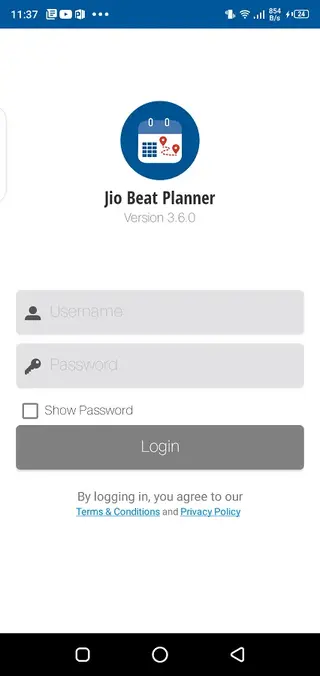
Jio Beat Planner is primarily used inside the Jio ecosystem, so users normally need valid Jio credentials to sign in and access the features. It focuses on improving productivity, compliance and visibility across large distributed teams.
Why Download Jio Beat Planner APK from Our Site
Downloading the Jio Beat Planner APK from our website lets you get the installation file quickly when you need to set it up on an eligible Android device. If you face issues with store-based installation, having the APK on hand makes deployment easier for supported users.
Our download page provides the version details, Android requirements and core information in one place so you can check compatibility before installing. You simply download the APK directly from our site and install it manually on devices that you manage.
For Jio employees and partners who rely on the app for attendance, mapping and daily visits, a ready APK file is useful when switching phones, resetting devices or preparing backup installations.
How Jio Beat Planner Helps Jio Field Teams
Jio Beat Planner is useful because it brings key field operations into a single mobile workspace. Instead of tracking attendance, locations and tasks in separate tools, teams manage everything inside one app.
Real-time location tracking helps managers understand where their teams are working during office hours. Attendance with photo capture reduces manual paperwork and adds proof of presence. Mapping and route information make it easier for field staff to locate sites and complete scheduled visits on time.
The shared dashboard for tasks and assignments improves communication between managers and subordinates. Everyone can see the same information about targets, visits and follow-ups, which supports better execution and performance measurement.
How to Download and Install Jio Beat Planner APK
You can get the Jio Beat Planner APK file directly from our website and then install it on your Android device. Follow these steps to complete the process:
Scroll to the download area on this page.
Tap the download button for the Jio Beat Planner APK.
Wait for the APK file to finish downloading on your device.
Open your phone settings and allow installation from unknown sources, if required.
Locate the downloaded APK in your downloads folder.
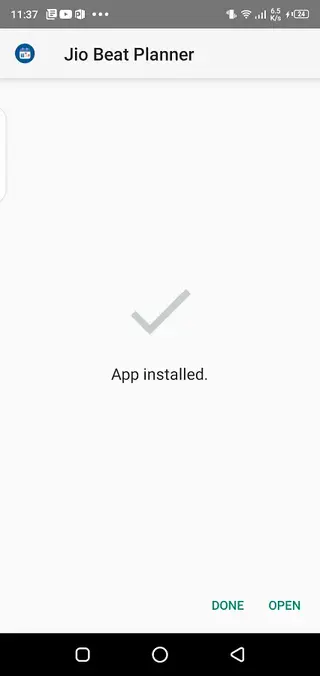
Tap the APK file and follow the on-screen prompts to install.
Once installed, open Jio Beat Planner and sign in with your valid Jio credentials, if you have access.
After installation, ensure location permissions and camera permissions are enabled so attendance, mapping and tracking features can work as intended.
Features
Attendance with photo capture
Employees can mark attendance by taking entry and exit photos directly in the app, reducing manual registers and adding proof of presence.
Real-time location tracking
Managers can view live locations of subordinates on a map during working hours to monitor field movement and utilization.
Beat and mapping support
Field staff can see route plans, assigned areas and locations on integrated maps to reach their work sites efficiently.
Task and assignment dashboard
Managers assign tasks and visits while subordinates track progress, updates and completion status from a central dashboard.
Manager and subordinate workflows
The app supports both manager-level oversight and subordinate-level execution in one platform tailored to Jio processes.
Simple and clean interface
The user interface focuses on essential buttons and views so field users can complete actions quickly while on the move.
Performance tracking support
Consistent check-ins, location data and task updates help managers review performance over time for their teams.
Optimized for Android field devices
The app is built for Android smartphones commonly used by on-ground and retail-facing Jio staff.
Screenshots
System requirements and compatibility
Jio Beat Planner targets Android smartphones that meet the specified minimum operating system requirement. The current release available on our page lists Android 7.0 and above as the required version, so earlier devices may not install or run the app correctly.
To get the best experience, use a device with reliable GPS, mobile data or Wi-Fi, and a working camera. Because the app is built around live tracking and photo-based attendance, weak location signals or camera issues can reduce accuracy.
Privacy, permissions and location tracking
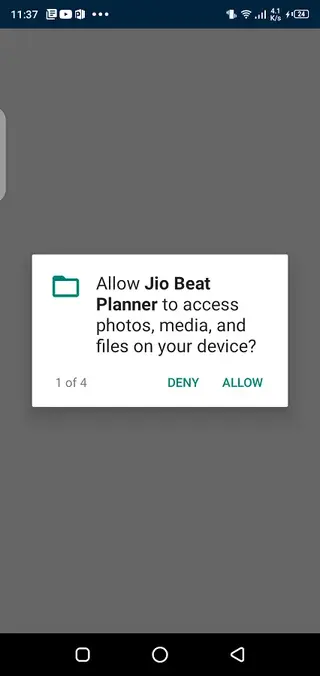
Jio Beat Planner relies on sensitive permissions such as location and camera access. These are needed for features like real-time tracking, map-based routing and image-based attendance. When you install and open the app, you will be prompted to grant these permissions.
As this is an enterprise-focused tool, employees typically use it under company policies that define how data such as location and attendance photos are handled. If you are a Jio staff member or partner, review your organizational guidelines before using the app in the field.
Tips for effective use in the field
To make the most of Jio Beat Planner, keep your device charged, ensure GPS is enabled and maintain an active data connection during working hours. Mark attendance at the start and end of your shift with clear photos to avoid rejection.
Check your task and visit dashboard at the beginning of the day to understand your route and priorities. Use the map view to navigate to assigned locations, and update completion status as you finish each visit so your manager has an accurate view of progress.
FAQs
Pros
- Official business app from Reliance Jio Infocomm
- Combines attendance, mapping and tasks in one tool
- Real-time location view improves field visibility for managers
- Photo-based attendance reduces manual paperwork
- Simple dashboard helps subordinates understand daily plans
- Optimized for on-the-go field and retail staff
Cons
- Intended mainly for Jio employees and partners, not general users
- Requires stable internet and GPS access for core functions
- Cannot be used without valid Jio login credentials
- Location tracking may raise privacy concerns for some users
Conclusion
Jio Beat Planner is a focused field productivity app for the Jio ecosystem that centralizes attendance, mapping, tracking and task management on Android devices. If you are part of the Jio workforce and have the required credentials, you can download the APK from Apkoll and use it to streamline your day-to-day field operations.




Comments
No approved comments yet.