

Enzona
Enzona is a Cuban electronic payment app that lets you manage daily transactions from your Android phone. It connects with Cuban banking cards so you can pay in stores, send money, and recharge services in a few taps.
The app focuses on digital payments inside Cuba, giving residents a simple way to move money without visiting a bank branch. Once you link your magnetic card, you can access different services tailored for personal and business use.
You can download the official Enzona APK directly from our website and install it on compatible Android mobiles and tablets to explore its latest features.
Rate this app
App details
- App name
- Enzona
- Category
- Finance
- Version
- v1.11.0
- Size
- 42.03 MB
- Requirements
- 4.4 and Up
- Package name
- cu.xetid.apk.enzona
- Publisher
- XETID
- Price
- Free
- Mod
- No
- Downloads
- 53,042
- Rating
- 4.8 / 5
- Rating count
- 26,000
- Play Store
- No
- Requires root
- No
- Offline support
- No
- Contains ads
- No
- In-app purchases
- No
- Updated
- May 14, 2026
- Age rating
- Rated for 3+
Table of contents
What is Enzona APK
Enzona APK is a financial services application created for Cuban citizens to manage electronic payments from their Android devices. After registering with a valid Cuban magnetic card linked to a bank account, users can send and receive money, pay at affiliated merchants, and handle various everyday expenses.
The app works as a virtual payment platform, so users do not need to carry large amounts of cash. Transfers and payments are processed digitally through the banking system, which helps simplify personal and business money management.
Enzona is mainly available in Spanish and focuses on services inside Cuba, making it especially relevant for local residents, small businesses, and merchants that want to accept cashless payments.
If you are not a Cuban citizen or have any difficulty using this En Zona Apk, don’t worry. Sakpole also provide similar services, which you can access and enjoy.
Why Download Enzona for Android
Installing Enzona on your Android phone gives you quick access to common payment tasks without visiting an ATM or bank branch. You can check balances, move funds, and pay selected services directly from your device.
The app separates personal and business use, so individuals can handle day-to-day bills while merchants and professionals can receive customer payments more efficiently. Support for QR-based payments also makes in-person transactions faster and reduces manual entry errors.
By downloading the Enzona APK from our website, Cuban users can keep the app handy on their phones and use it whenever they need to complete a payment or transfer.
How Enzona is Useful for Cuban Users
Enzona focuses on real-world payment scenarios in Cuba, which makes it practical for everyday life. Users can pay in cafeterias, pharmacies, warehouses, and other affiliated businesses, or recharge mobile phone credit without standing in line.
For business owners, the app supports receiving payments from customers who also use Enzona. QR codes help make the process simple for both sides, and digital records make it easier to track deposits and withdrawals.
Because Enzona centralizes several payment options inside one app, it can reduce the need for multiple separate tools. This is especially useful in areas where physical banking infrastructure is limited but mobile coverage is available.
How to Download and Install Enzona APK
You can download the official Enzona APK file directly from our website and install it on your Android phone or tablet. Make sure your device meets the minimum Android version requirement before you begin.
Follow these steps to get started:
Scroll to the download area on this page and tap the Enzona APK download button.
Wait for the APK file to finish downloading to your device.
Open your device settings and enable installation from unknown sources if it is not already allowed.
Locate the downloaded APK file in your downloads folder and tap it to start installation.
Follow the on-screen prompts to complete installation and then open the app.
Register or sign in with your Enzona credentials and link your magnetic bank card to start using payment services.
After installation, you can return to our website whenever you need to download the latest available version of the Enzona APK.
Features
Digital payments for Cuban citizens
Designed primarily for residents of Cuba who hold eligible magnetic bank cards and want to use electronic payments.
Send and receive money
Transfer funds between accounts and receive payments from other Enzona users directly on your Android phone.
Merchant and service payments
Pay at supported businesses such as cafeterias, pharmacies, warehouses and other services connected to the platform.
Mobile phone recharge
Top up cell phone credit using available payment options inside the app without visiting a physical store.
Online banking style access
View and manage your money virtually from your smartphone instead of handling transactions only at bank branches.
Client and business modes
Use the app in personal client mode or as a business user to receive payments and manage operations.
QR code payment support
Complete payments by scanning QR codes, which can simplify and speed up in-person transactions.
Account and transaction overview
Access sections that show personal account information, deposits, withdrawals and related activity.
Screenshots
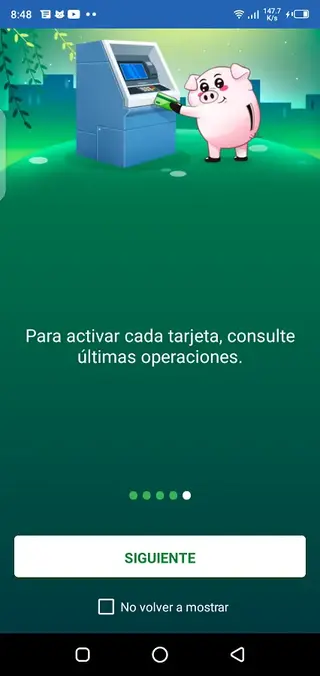
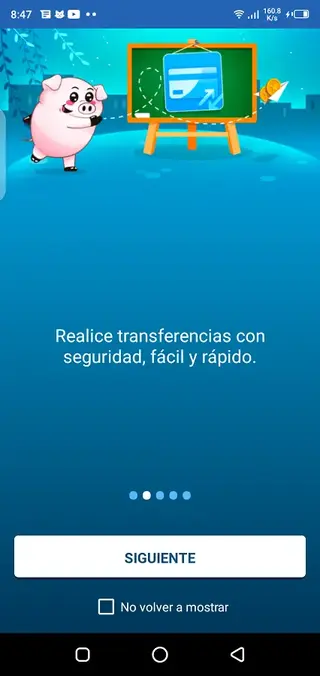
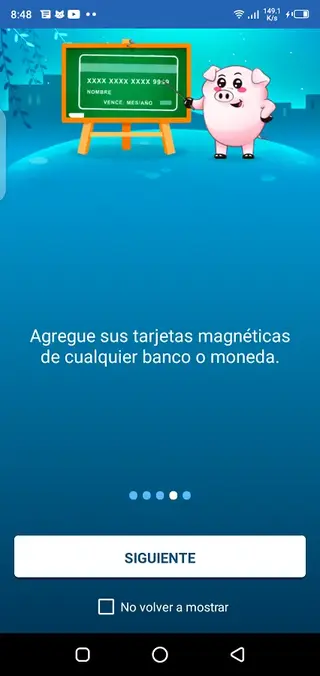
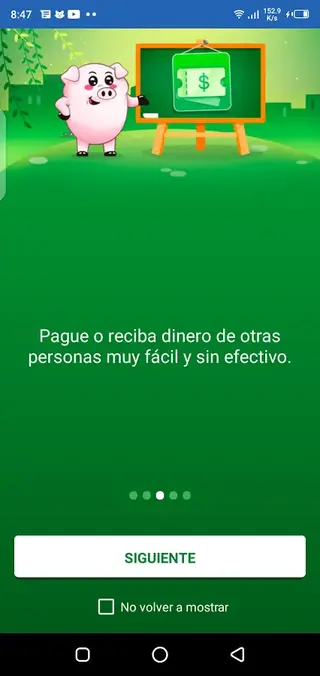
Account Registration and Card Linking
To use Enzona, you need to register an account and link a magnetic card issued by a participating Cuban bank. During registration you provide personal data and card details so the app can connect with your banking profile.
Once approval is complete, you can access your account information, view balances and start making payments or transfers from your Android device.
Personal vs Business Use
Enzona separates features for individual clients and business users. Personal clients can pay for services such as cafeterias, pharmacies, warehouses and mobile phone recharges, as well as send money to family or friends.
Business users can receive customer payments, generate QR codes and monitor their incoming transactions, which helps them manage sales and reduce cash handling.
Language and Regional Availability
The app is oriented toward the Cuban market and is primarily available in Spanish. Most services are tied to local banking infrastructure and are expected to work within Cuba, so users from other regions may not be able to access all functions.
Because of this regional focus, Enzona is especially relevant for residents who rely on local electronic payment solutions for daily expenses and business operations.
FAQs
Pros
- Supports everyday digital payments inside Cuba
- Allows sending and receiving money between users
- Offers client and business modes for different needs
- Supports QR code payments for faster in-person transactions
- Lets users recharge mobile phone credit from the app
- Reduces the need to carry large amounts of cash
Cons
- Services are focused on Cuban citizens with eligible bank cards
- App interface is primarily in Spanish, which may limit non-Spanish speakers
- Requires internet connectivity for most operations
- Registration process depends on having a compatible magnetic card
Conclusion
Enzona gives Cuban users a practical way to handle digital payments, transfers and business collections directly from an Android device. If you have a compatible banking card and live in Cuba, you can download the Enzona APK from our website and use it to manage your daily transactions more conveniently.




Comments
Sandar
Cuando intento actualizar la versión que tengo de enzona no me deja me dice que es error. Que pued3 ser?
Luis bandera
Necesario para la compra en mercado Cuba
Ela
No se descarga por favoritas
Gloria Hernández
No logro registrarme en esta aplicación. Lo he intentado varias veces, y cuando pienso que ya lo logré no me permite avanzar. Existe algún manual que ayude a los usuarios?
Eduardo La O Bertot
He tenido problemas para entrar en mi cuenta, no se como alguien me he cambiado la clave de acceso, me pusieron código totp y no lo puedo obtener. He mandado mi foto con número carne y no me responden quisiera restablecer eso urgente, respondan por favor
Yarenia Sebasco Lemus
Por favor necesito saber, mi hijo me auténtico mi teléfono y no recuerda la contraseña, cuando intento entrar para poner contraseña nueva me dise que mi cel no tiene correo no entiendo y no se que haser no se a quien preguntas por favor si me pueden ayudar.Gracias