

Mouse Toggle for Fire TV
Mouse Toggle for Fire TV turns your regular Fire TV or Firestick remote into a handy virtual mouse. You can move a cursor on screen, click, and scroll on apps that normally do not work well with the standard remote.
With this tool installed on your Android phone and Fire TV, you can navigate side-loaded apps, settings screens, and web views that expect touch input. It is a small utility that adds precise control without needing a separate physical mouse.
You can download the Mouse Toggle for Fire TV APK directly from our website, install it on your Android device, and then configure it to work with your Fire TV in a few simple steps like, AlooyTV and Horjun TV.
https://apkoll.com/mouse-toggle-for-fire-tv/
Rate this app
App details
- App name
- Mouse Toggle for Fire TV
- Category
- Tools
- Version
- v1.12
- Size
- 2.4 MB
- Requirements
- 2.3 and Above
- Package name
- com.fluxii.android.mousetoggleforfiretv
- Publisher
- Fluxii
- Price
- Free
- Mod
- No
- Downloads
- 96,545
- Rating
- 4.1 / 5
- Rating count
- 6,851
- Play Store
- No
- Requires root
- No
- Offline support
- Yes
- Contains ads
- No
- In-app purchases
- No
- Updated
- May 18, 2026
- Age rating
- Rated for 3+
Table of contents
What is Mouse Toggle for Fire TV?
Mouse Toggle for Fire TV is a lightweight Android utility that enables a virtual mouse pointer on Amazon Fire TV, Firestick, and some compatible Android TV devices. Instead of connecting a USB or Bluetooth mouse, you activate a cursor using your existing Fire TV remote and control it with the directional pad.
The app runs on your Android phone and communicates with your Fire TV over the local network using ADB. Once configured, you can double-press a specific button on the Fire TV remote to toggle the mouse mode on or off. The on-screen cursor then lets you highlight small buttons, tap hidden menus, and interact with apps that were designed for touch screens.
This makes Mouse Toggle especially useful if you install streaming apps, utility tools, or browsers that do not fully support the standard Fire TV remote interface. It improves navigation without any extra hardware.
Why download Mouse Toggle for Fire TV APK?
Many Fire TV and Firestick users install apps that were originally built for touch-based Android phones or tablets. These apps often show tiny buttons, pop-ups, or menus that are difficult or impossible to select with the normal remote focus. Mouse Toggle for Fire TV helps bridge that gap.
By downloading the APK from our website, you get a simple way to add cursor control to your Fire TV setup. You can enter text, confirm buttons that do not receive focus, adjust app settings, and browse within web-based content more comfortably.
The app is small, quick to set up, and does not require root. If you side-load apps frequently or like to experiment with different streaming tools, Mouse Toggle can make your Fire TV much easier to use day to day.
How is Mouse Toggle for Fire TV useful?
Mouse Toggle for Fire TV is useful whenever the regular Fire TV remote cannot reach or highlight a UI element. For example, some apps place controls in the corners of the screen or inside embedded web views that do not respond to the default focus system.
With mouse mode enabled, you move a pointer using the arrow keys and select items with the OK or center button. This mimics a real mouse click and often unlocks full functionality in touch-optimized apps.
It also helps when:
Configuring VPN clients, file managers, and browsers on Fire TV
Handling app dialogs or pop-ups that appear without focus
Adjusting advanced settings inside media or utility apps
Testing side-loaded apps that do not fully support TV layouts
Because the tool works over your local network and relies on ADB debugging, you do not need any cables or extra hardware once it is configured.
How to download and install Mouse Toggle for Fire TV APK?
You can get the official Mouse Toggle for Fire TV APK file directly from our website. Follow these steps to download it to your Android phone and then configure it with your Fire TV.
Step 1: Download the APK from our website
Scroll to the download section on this page.
Tap the download button for Mouse Toggle for Fire TV.
Confirm the download and wait until the APK file finishes saving on your Android device.
Step 2: Allow installation from unknown sources on Android
Open the Settings app on your Android phone.
Go to the security or apps section and enable installation from unknown sources for your browser or file manager.
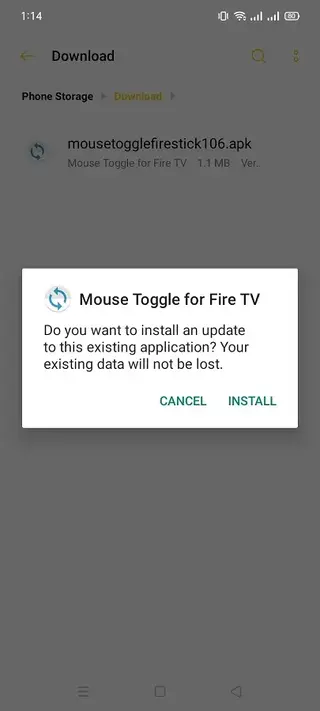
Locate the downloaded APK in your downloads folder and tap it to start installation.
Follow the on-screen prompts to complete the installation.
Step 3: Prepare your Fire TV
On your Fire TV, open Settings and go to My Fire TV or Device.
Select Developer options.
Enable ADB debugging.
Enable Apps from Unknown Sources if required for your setup.
Step 4: Connect and enable mouse mode
Make sure your Android phone and Fire TV are on the same Wi-Fi network.
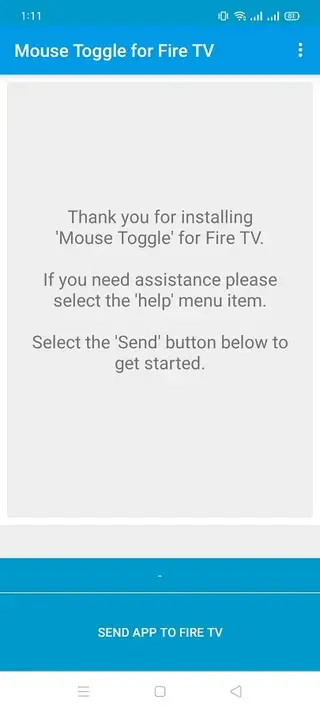
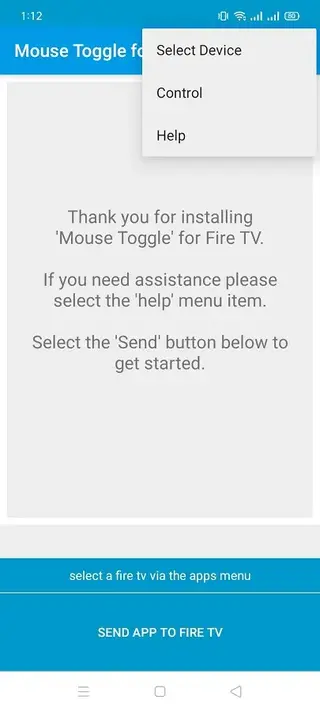
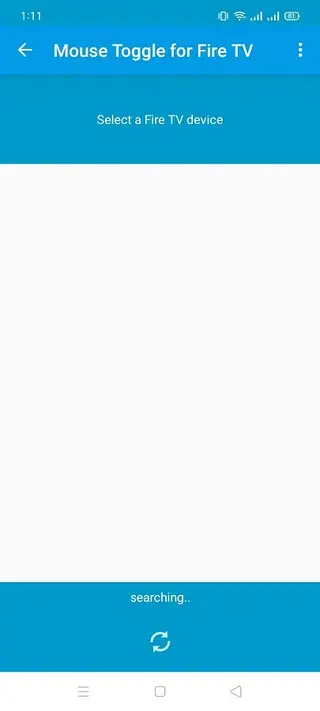
Open Mouse Toggle for Fire TV on your phone and enter the required connection details if prompted.
Once connected, follow the in-app instructions.
Use a fast double-tap on the specified button on your Fire TV remote to toggle the mouse cursor on and off.
After the initial configuration, you can simply use the remote shortcut to enable mouse mode whenever you need precise control.
Features
Virtual mouse cursor for Fire TV
Provides an on-screen mouse pointer controlled with the Fire TV or Firestick remote so you can click anywhere on the screen.
Remote double-tap activation
Enables or disables mouse mode with a quick double-tap on a designated remote button for fast access while watching or browsing.
Works with many side-loaded apps
Helps you control touch-focused or side-loaded Android apps that do not fully support the standard Fire TV remote navigation.
Simple setup with ADB debugging
Uses Fire TV developer options such as ADB debugging and apps from unknown sources to connect from your Android phone over Wi-Fi.
Lightweight and low resource usage
Small app size and minimal background usage so it runs quietly without heavily impacting device performance.
No root required
Works on standard Fire TV and Firestick devices without any rooting or system modifications.
Supports multiple Fire TV models
Designed to work with many Fire TV and Firestick models, depending on firmware and compatibility settings.
Quick toggle and navigation controls
Allows fast switching between normal remote navigation and mouse cursor mode whenever needed.
Screenshots
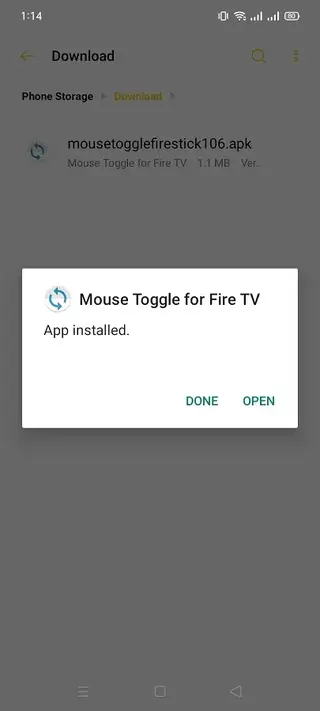
Compatibility and device support
Mouse Toggle for Fire TV focuses on Amazon Fire TV and Firestick devices that support ADB debugging. Many users report successful use on common Fire TV models and versions, but behavior can vary with firmware updates and specific hardware revisions.
The tool may also work with some Android TV boxes that offer similar developer options and ADB access. However, support for non-Fire TV devices is not guaranteed, so results can differ between brands and models.
For the best chance of compatibility, ensure:
Your Fire TV firmware is up to date
ADB debugging is enabled
Your phone and TV share the same Wi-Fi network
You follow the in-app instructions carefully during initial setup
Tips for smoother mouse control
To get smoother mouse movement and more comfortable navigation, you can adjust how you use the remote and your viewing habits.
Use short, repeated taps on the directional pad instead of holding it down for finer control.
Practice moving the cursor to small targets such as tiny buttons or scroll bars.
Switch out of mouse mode when browsing simple menus to keep navigation fast.
Use mouse mode mainly for settings screens, web content, and pop-ups that do not respond to normal focus.
These small habits help you get the most benefit from Mouse Toggle for Fire TV without slowing down everyday use of your remote.
FAQs
Pros
- Adds mouse-style control to Fire TV without extra hardware
- Makes side-loaded and touch-focused apps easier to navigate
- Lightweight app with simple setup and no root requirement
- Works over Wi-Fi using ADB debugging once configured
- Quick remote shortcut to toggle mouse mode on demand
Cons
- Requires enabling developer options and ADB debugging on Fire TV
- May not be compatible with all smart TV or Android TV models
- Mouse movement can feel slower than a real physical mouse
- Requires both devices to be on the same network for connection
Conclusion
Mouse Toggle for Fire TV is a practical tool for Fire TV and Firestick users who want better control over side-loaded and touch-based apps. By adding a virtual mouse cursor controlled with the existing remote, it removes the need for extra hardware and makes many apps more usable. You can download the APK directly from our website and set it up in a few minutes to improve everyday navigation on your TV.




Comments
No approved comments yet.