

Send Files to TV
Transferring files between your Android device and smart TV will be fast and smooth with the Send Files to TV App. The latest application allows smart connectivity to share various types of files instantly. Get a high-speed file-sharing experience with this latest Android application and have unlimited fun.
Rate this app
App details
- App name
- Send Files to TV
- Category
- Tools
- Version
- v1.4.22
- Size
- 22.83 MB
- Requirements
- 6.0 and Above
- Package name
- com.yablio.sendfilestotv
- Publisher
- Yablio
- Price
- Free
- Mod
- No
- Downloads
- 98,360
- Rating
- 4.8 / 5
- Rating count
- 21,947
- Play Store
- Yes
- Requires root
- No
- Offline support
- No
- Contains ads
- No
- In-app purchases
- No
- Updated
- Aug 3, 2026
- Age rating
- Rated for 3+
Table of contents
What is Send Files to TV APK?
Send Files to TV App is an Android Tool developed to provide high-speed file sharing services. The application allows users to quickly file sharing between Android device and Android Smart TVs, MacOS, and Linux devices. Without relying on a USB drive, Bluetooth, or Cloud storage, the app offers a direct transfer system using a local Wi-Fi network.
The diverse supported multiple types of Smart TV OS such as Android TVs, Google TV, Fire TV, and many more. The app allows users to load APK on Android TV and send movies from their Android devices. This application supports multiple file types and works across different platforms, making it useful for everyday users.
The application allows Android users a simple and fast access of sharing files. So, if you want to try more similar experience, then you should also try Nearby Share Apk.
Why download Send Files to TV?
The downloading process of this application simply eliminates the unnecessary hassle of moving files between devices. Users can install APKs on Android devices, Share large-videos, transfer documents, or move photos between devices. The app offers a simple and fast wireless solution to transfer every file type instantly on the local Wi-Fi network.
Why Send Files to TV is useful?
The application is useful for any Android users who want to frequently share file between Android smartphone and other devices. The simple process of transferring files allows Android users to easily move large files instantly. The application provides quick and convenient way to manage files across multiple platforms using any Android device.
How to download and install Send Files to TV Android?
The application is easy to download on any Android device. The application is compatible with Android 6.0 and above, which allows almost all new Android OS and even low-end OS support. So, users can easily download the APK file and install it to get a smooth sharing system.
Follow these steps to download and install the APK file:
Find the download section at the top of this page.
Tap on the Download APK button and wait for the process to complete.
Access the Android Settings and open the Security panel.
Enable Install from Unknown Sources if it is disabled.
Open the Android File Manager and access the Downloads Folder.
Find the downloaded APK file and tap on the APK file.
Select the install option and wait for the process to complete.
Once completed, connect the app and start sharing files at a high-speed without any problem.
Features
Transfer APK Files to Android TV
Get a new and faster way of transferring APK files to Android TVs with this newly available application. The app offers Android users a simple way to share any APK file, which even includes 3rd party APKs.
Send Large Files Faster
Sharing large files using other available options, such as Bluetooth, is quite slow. Therefore, this application offers local Wi-Fi network sharing system. This allows the sharing of large files fast and smooth for everyone.
Share Files without Internet
The application provides a local Wi-Fi signal to connect, which doesn’t even require internet connectivity. Android users can easily create a local network between devices and share files instantly.
Transfer Large Movies and Videos to TV
Sharing large-sized movies, TV shows, recorded videos, and other media files from your Smartphone to TV without using any physical connector. This makes it easy to enjoy large files on a larger screen.
Fast Connectivity
The app automatically detected compatible devices available on the same network. This allows fast and smooth connectivity services. Users don’t need to manually add any devices and enjoy the smooth connectivity.
Find Received Files Easily
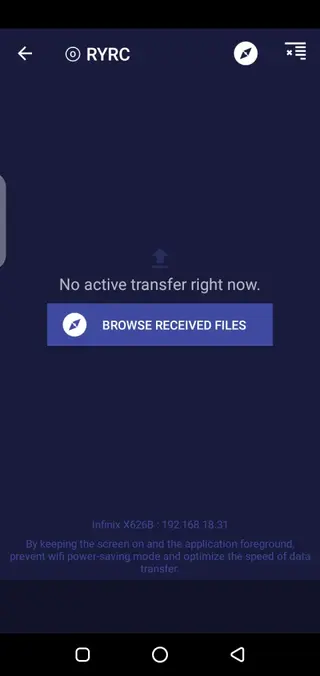
The application provides easy access to all shared files for Android users. The content is saved on the Downloads folder, which can easily be locate and accessed. Users can also change the destination of the received folder easily.
Secure Local Sharing
All the content using this application can be shared on the local network with high-end security. Therefore, no need to worry about data privacy anymore and enjoy secure connectivity on mobile.
Works on Multiple Platforms
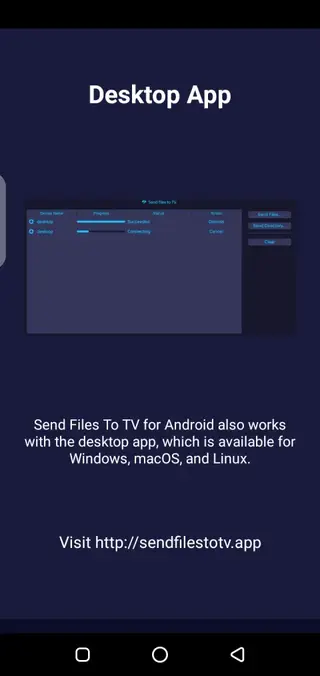
Sending files to TV supports Android phones, Android TV, Google TV, Fire TV, Windows, macOS, and Linux devices. So, get a fast, multiple platform working file sharing system and have fun.
Screenshots
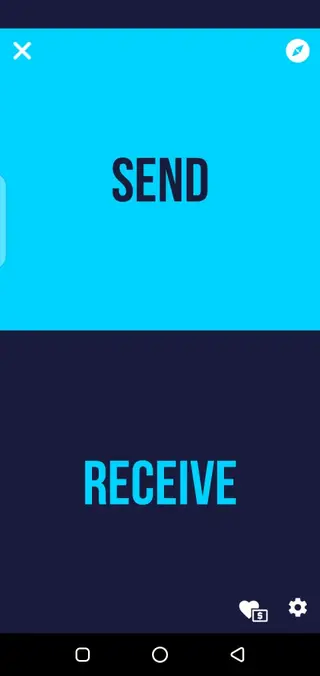
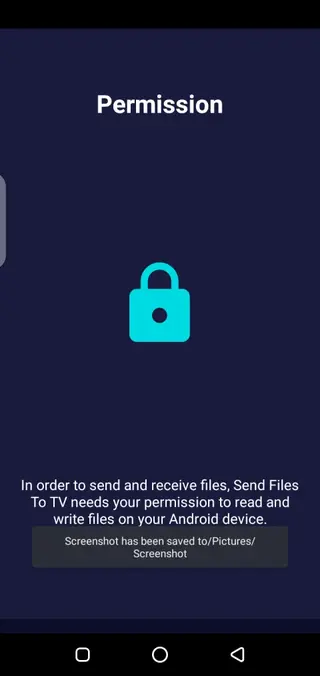
How to Install Third-party APKs on Android TV?
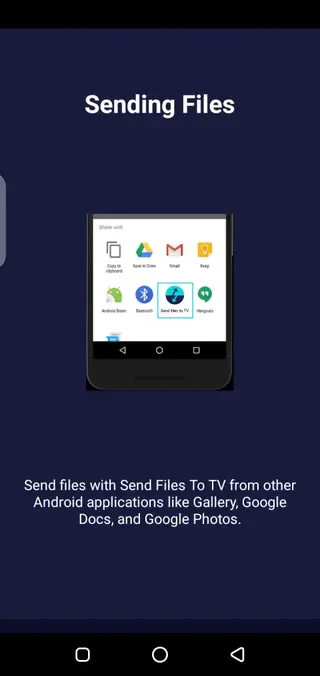
Installation of third-party APKs is tricky for any newbie. However, the Send Files to TV App allows a fast and simple way to easily connect and share. Simply, connect the devices using this application on both devices and share the APK files directly.
The application provides a high-speed file sharing system, which doesn’t even requires Bluetooth connectivity. Therefore, every user can easily share and have unlimited fun.
How to Connect an Android Phone and an Android TV using Send Files to TV?
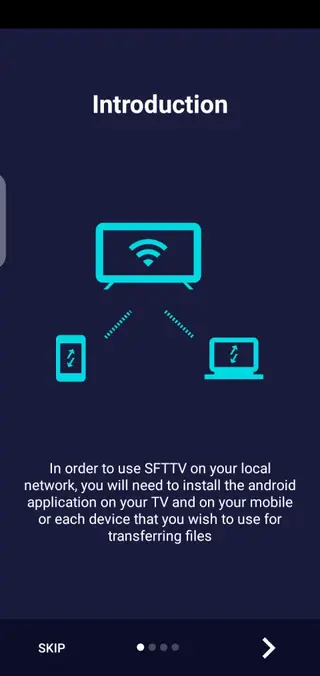
To connect using this application, Android users have to install the application on both devices. Once installed, open the app on your smartphone as the sender and on the TV as the receiver. After connecting, you can easily share files from your phone to the TV instantly. No need to connect using a cable or Bluetooth anymore.
Also user get other available devices on the network. Therefore, connect after confirming the device you have. Else the file will be transferred to the other device.
FAQs
Pros
- Fast wireless file transfer.
- No USB cable required.
- Faster than Bluetooth for large files.
- No internet or cloud storage needed.
- Supports APK side loading on Android TV.
- Works across multiple platforms.
- Simple and easy to use.
- Support large file sharing.
- Supports multiple Operating systems.
- Well-defined sections.
Cons
- Both devices must be connected on same Wi-Fi.
- Does not transfer apps directly between IOS devices.
- Transfer speed depends on local network speed.
- Cannot share data back and forth directly.
Conclusion
Send Files to TV Download on your Android device to get the best data transfer system. The application offers some of the best and advanced-level services for fast file transfer. Getting any APK file on TV will be easy and fast with this new application. Download any APK file on your Android device and easily transfer it to your TV with this application.



Comments
No approved comments yet.