

Wibty
Wibty is a social networking and chat app designed to help you connect with people, share moments, and stay in touch in a simple way. It focuses on privacy and gives you more control over who sees your content.
With stories, feeds, private chats, and group conversations, Wibty combines familiar social media tools in one place. You can post photos and videos, follow friends, and start fast conversations whenever you need.
You can download the official Wibty APK directly from our website and install it on any compatible Android phone or tablet running Android 7.0 or higher.
Rate this app
App details
- App name
- Wibty
- Category
- Social
- Version
- v2.0.13
- Size
- 54.01 MB
- Requirements
- 7.0 and Above
- Package name
- com.wibty.wibty
- Publisher
- Wibty LLC
- Price
- Free
- Mod
- No
- Downloads
- 712,545
- Rating
- 4.5 / 5
- Rating count
- 15,468
- Play Store
- Yes
- Requires root
- No
- Offline support
- No
- Contains ads
- No
- In-app purchases
- Yes
- Updated
- May 12, 2026
- Age rating
- Rated for 16+
Table of contents
What is Wibty Android App
Wibty is an Android social media and chatting application that lets you share content and communicate with a wide community of users. It combines a personal feed, story sharing, and instant messaging so you can socialize from one clean, easy-to-use interface.
After creating an account with your email, you can build a profile, follow other users, and start posting updates. Wibty supports text posts, photos, and videos, so you can share everyday moments or longer updates with your followers.
The app has been especially popular among users who want a platform that respects local rules and offers stronger privacy controls. You can decide who can see your posts, who can contact you, and how visible your profile is inside the network.
If you want to get more similar applications, then you guys can try Menco and Meyo. These apps also offer similar services for the users, which you can use and enjoy.
Why Download Wibty APK from Our Site
Downloading the Wibty APK from our website lets you get the official installation file directly on your device without visiting other platforms. This is useful if the app is not easily accessible in your region or you prefer installing apps with APK files.
Once downloaded and installed, you get access to a full social experience: timelines, stories, and fast messaging in one app. You can follow friends, discover new people, and communicate through text, voice, and media without switching between different services.
Our website provides the current Android APK version listed in the details, so you can install it on compatible phones and tablets and update it manually whenever you need.
How to Download and Install Wibty APK
You can get the official Wibty APK file directly from our website and install it on any compatible Android device. Follow these basic steps to complete the process:
Scroll to the download area on this page and tap the Wibty APK download button.
Wait for your browser to finish downloading the APK file to your device.
If your phone asks for permission to install apps from this source, open Settings and allow installation from your browser.
Open the downloaded APK file from the notification bar or your Downloads folder.
Tap Install and wait until the installation completes.
Launch Wibty from your app drawer, create or sign in to your account, and start using the app.
After installation, you can return to our website whenever you want to download the latest available APK version and update it manually.
Features
Story and feed sharing
Post photos, videos, and text to your wall or share temporary stories that disappear after 24 hours.
Instant messaging
Chat with friends using text messages, voice notes, images, and other supported media formats.
Group and private chats
Create group conversations for communities or keep discussions private with one-to-one chats.
Privacy-focused controls
Adjust profile visibility, manage followers, and control who can see your content and contact you.
Simple registration
Sign up quickly with your email address and start using the app within a few steps.
User-friendly interface
Navigate between feed, stories, chats, and profile using a clean and straightforward layout.
Notifications for updates
Receive alerts when followed users post new content or send you messages.
Free to use
Use core social and chat features without paying a subscription fee.
Screenshots
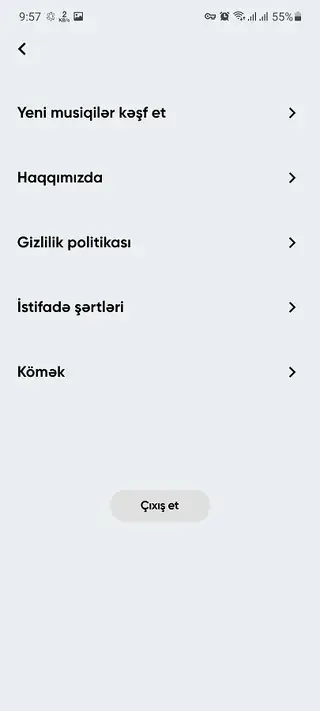


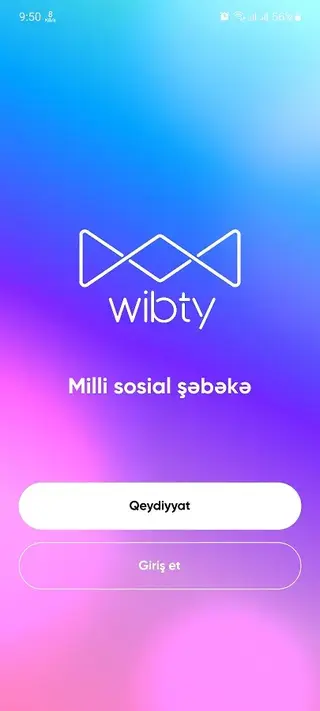
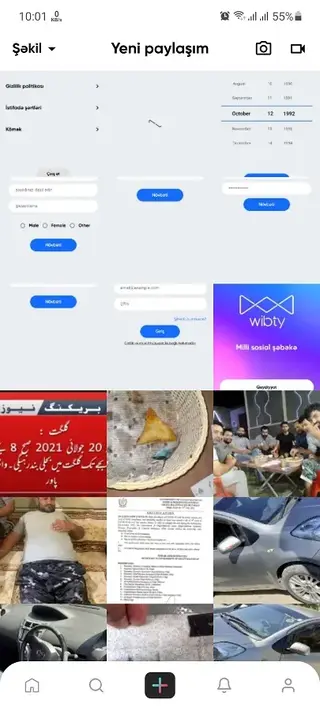
Account Setup and Onboarding
When you open Wibty for the first time, you create an account with your email address and basic profile details. The onboarding flow is kept short so you can reach the main feed quickly. You can later refine your profile by adding a photo, editing your bio, and adjusting privacy options in the settings menu.
After setup, Wibty recommends people and content so you can start following others and building your own audience. You can accept or decline follow requests depending on how private you want your account to be.
Privacy and Safety Options
Privacy is a core part of how Wibty is designed. You can choose whether your profile is open to everyone, visible only to approved followers, or kept even more restricted. These options help you decide how much of your activity appears to others inside the app.
Within chats, you can manage who is allowed to message you and mute or block accounts that you no longer want to interact with. Updating these settings regularly gives you better control over your social experience and helps keep your conversations comfortable.
Tips for Getting Started on Wibty
If you are new to Wibty, start by completing your profile with a clear photo and short description so friends can find you easily. Then follow people you know and engage with their posts by viewing, reacting, and replying where appropriate.
Share a mix of permanent wall posts and temporary stories to see how your audience responds. Use group chats to organize conversations around topics or communities you care about. Over time, you can fine-tune privacy settings and notification preferences to match your own style of socializing.
FAQs
Pros
- Simple registration process using an email address
- Combines social feed, stories, and chat in one app
- Supports photo, video, and text sharing for posts and stories
- Offers both group chats and private one-to-one conversations
- Provides stronger privacy controls compared with many general networks
- User-friendly interface that is easy to navigate for new users
Cons
- Requires an internet connection for almost all features
- Not as widely known or populated as the largest global social platforms
- APK must be updated manually when installing from a website
Conclusion
Wibty brings social networking and messaging together in a privacy-aware Android app that is simple to use. If you want a focused place to share moments and chat with friends, you can download the official Wibty APK from our website and start exploring its features on your phone or tablet.




Comments
No approved comments yet.