

Alliance Shield X
Alliance Shield X is a powerful Android device management tool designed especially for Samsung phones and tablets. It helps you control apps, services, updates and security policies from a single dashboard.
With this app you can disable bloatware, manage firewall rules, block unwanted updates and protect your device with advanced restrictions. It is widely used by individuals and businesses to keep work and personal devices under tight control.
You can download the official Alliance Shield X APK latest version directly from our website and install it on compatible Android devices without any complicated setup.
Rate this app
App details
- App name
- Alliance Shield X
- Category
- Tools
- Version
- v0.9.42
- Size
- 5.27 MB
- Requirements
- 6.0 and Up
- Package name
- com.rrivenllc.shieldx
- Publisher
- RRiVEN LLC
- Price
- Free
- Mod
- No
- Downloads
- 95,000
- Rating
- 4.5 / 5
- Rating count
- 24,000
- Play Store
- Yes
- Requires root
- No
- Offline support
- No
- Contains ads
- No
- In-app purchases
- No
- Updated
- May 22, 2026
- Age rating
- Rated for 3+
Table of contents
What is Alliance Shield X
Alliance Shield X is an Android administration and device control app created by RRiVEN LLC. It acts like a powerful management console that lets you configure apps, permissions, updates and security options on Samsung and other supported Android devices.
The app was originally built for businesses that needed centralized control over company phones. Over time it also became popular with power users who wanted more control than standard Android settings provide.
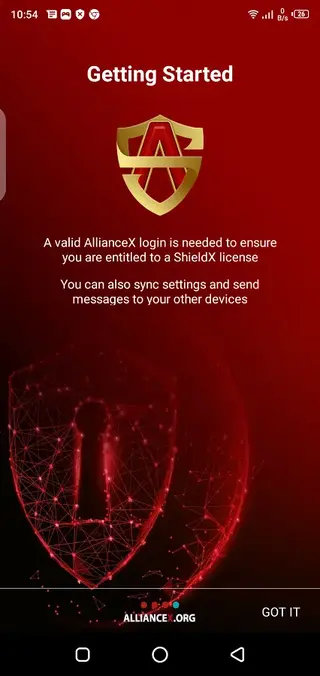
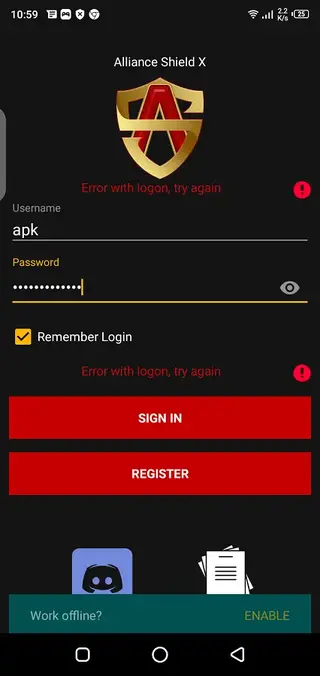
After you install Alliance Shield X, you create or sign in to an Alliance account. This account links your devices and unlocks features such as remote commands, device-owner options, app policies and security rules. Registration and email verification are required to use the core features.
Inside the app you will find sections for app management, a shield controller, firewall tools, secure charging and phone controls. Each section contains detailed options so you can customize how your device behaves at work, at home or on the road.
If you want to know about other FRP Phone Bypass similar apps, then you guys should try Remote 1 and Easy FRP Bypass. These are specially developed to bypass Android, in which you will not have any other feature.
Why download Alliance Shield X APK from our website
Downloading the Alliance Shield X APK directly from our website gives you quick access to the latest available version without waiting for staged rollouts. You can keep a backup installer, share it across your organization and reinstall it whenever needed.
Our download page provides the official package name, version information and file details so you know exactly what you are installing. This is useful for IT administrators who need to deploy the same build on multiple Samsung devices.
Once downloaded, you can sideload the APK, sign in with your Alliance account and immediately start configuring apps, updates and security rules according to your requirements.
How Alliance Shield X is useful
Alliance Shield X is useful for anyone who wants deeper control over Android, especially Samsung devices. It helps you remove or disable unwanted system apps, block intrusive ads, and reduce background activity that drains battery and data.
For businesses, the app can act as a lightweight device management solution. You can enforce policies, control app installs, restrict USB data transfer, and manage work profiles without a full enterprise MDM platform.
Samsung users often rely on Alliance Shield X to handle FRP-related workflows, control OTA updates manually, and use Samsung Package Disabler style options where supported. These tools can simplify troubleshooting, repairs and device turnover in service centers or IT departments.
How to download and install Alliance Shield X APK
You can get the latest Alliance Shield X APK directly from our website in a few simple steps. Make sure your device meets the minimum Android version requirement before you start.
Scroll to the download section on this page and tap the download button for Alliance Shield X APK.
Wait until the APK file finishes downloading to your Android phone or tablet.
Open your device settings and enable installation from unknown sources or allow your browser/file manager to install apps.
Locate the downloaded APK in your downloads folder and tap it to start the installation.
Follow the on-screen prompts, complete installation, then open Alliance Shield X.
Create or sign in to your Alliance account, verify your email and grant the requested permissions to start managing your device.
Features
Advanced app management
Enable, disable, freeze or uninstall installed and system apps to reduce bloatware and improve performance on supported devices.
Shield controller policies
Apply shield rules that control what apps can run, what services can start and how the device behaves under different conditions.
Firewall configuration
Configure firewall-style controls to limit network access for selected apps and reduce unwanted background connections.
Secure charging mode
Use secure charging options to reduce risk when charging in public places by limiting data access over USB while plugged in.
Phone and hardware controls
Adjust device-owner level controls such as buttons, status icons, notifications and other behavior where supported.
Ad and tracking blocking
Use built-in ad blocking features to reduce disruptive ads and certain tracking requests across supported apps and browsers.
Update management
Control over-the-air software and app updates so you can delay, block or manually trigger updates on your own schedule.
Samsung-specific tools
Access Samsung-oriented functions such as package disabling and FRP-related operations for compatible models and firmware.
Screenshots
Device compatibility and requirements
Alliance Shield X targets Android 6.0 and above, with the richest feature set available on Samsung phones and tablets. Some functions depend on manufacturer firmware, security patches and device-owner permissions, so not every option will appear on every model.
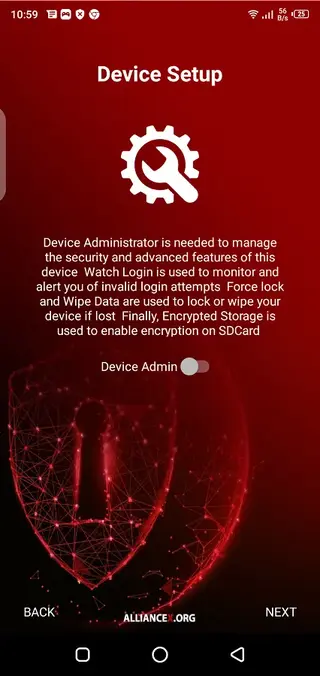
After installation the app guides you through granting the required permissions. If a feature is not supported on your device, it usually remains disabled or hidden so you can focus on tools that work reliably for your setup.
Best practices and safety tips
Because Alliance Shield X can manage critical system components, it is important to use it carefully. Avoid disabling core services or apps unless you fully understand their role. When in doubt, change one setting at a time and test before applying multiple changes.
For business or service-center use, document your preferred configuration profiles so you can apply consistent policies across devices. Regularly review rules for firewalls, updates and app restrictions to keep them aligned with your security and usability needs.
FAQs
Pros
- Gives granular control over apps and system components
- Offers strong tools for Samsung device management
- Can help reduce bloatware, ads and background usage
- Useful for small businesses and IT technicians
- Registration-based account allows multi-device control
Cons
- Requires registration and email verification to use core features
- Full functionality mainly targets Samsung devices
- Complex options can be confusing for casual users
- Misconfiguration of system apps may cause instability
Conclusion
Alliance Shield X is a powerful administration tool for users and businesses that need deeper control over Samsung and other supported Android devices. If you understand the risks of advanced configuration and want to manage apps, updates and security from one place, downloading the latest Alliance Shield X APK from our website gives you a flexible and capable solution.




Comments
No approved comments yet.