

WhatsApp Monitor 4
WhatsApp Monitor 4 is a tracking tool that focuses on WhatsApp online and offline status analysis. It lets you follow when specific numbers go online and how long they stay active.
With a simple interface and status alerts, the app targets users who want detailed WhatsApp activity logs on their Android phones. You can add numbers, receive notifications, and review basic session statistics from one place.
The APK file is available directly on our website, so you can download the latest version of WhatsApp Monitor 4 for your Android mobile or tablet without searching elsewhere.
Rate this app
App details
- App name
- WhatsApp Monitor 4
- Category
- Communication
- Version
- v4.130
- Size
- 9.91 MB
- Requirements
- 4.4 and Above
- Package name
- com.zzwm.whatsmonitor
- Publisher
- Online Statistics
- Price
- Free
- Mod
- No
- Downloads
- 621,547
- Rating
- 4.5 / 5
- Rating count
- 5,345
- Play Store
- No
- Requires root
- No
- Offline support
- No
- Contains ads
- No
- In-app purchases
- Yes
- Updated
- May 14, 2026
- Age rating
- Rated for 12+
Table of contents
What is WhatsApp Monitor 4?
WhatsApp Monitor 4 is an Android communication utility designed to track the online and offline status of selected WhatsApp numbers. After you add a phone number, the app records when that number appears online, when it disconnects, and how long each session lasts.
The main idea is to turn WhatsApp presence information into a clear timeline and statistics view. You can see at what hours a contact usually connects, how often they appear online, and get alerts when their status changes.
According to the original developer information, the app works as an online-status tracker only. It does not show message content, calls, or media. Its focus stays on session times, notifications, and simple activity reports built around WhatsApp usage patterns.
WhatsApp Monitor 4 comes as a standalone APK for Android 4.4 and above. Once installed, you can add one or more numbers to monitor, configure notifications, and check daily or hourly status logs from the main dashboard.
Why download WhatsApp Monitor 4 APK from our site
Downloading the WhatsApp Monitor 4 APK from our website gives you direct access to the latest available version in a single click. You do not need to browse multiple pages or search different stores to find the correct file.
Our download page focuses on providing the original package name and version details clearly, so you know exactly which build you are installing on your Android phone. You can check the version number, Android requirement, and basic information before you start the download.
Because this tool is not an official WhatsApp product and is not listed on the Google Play Store, most users rely on standalone APKs. Hosting the file directly on our site makes it easier to obtain the app quickly and then decide if its tracking features are suitable for your needs.
How WhatsApp Monitor 4 can be useful
For users who are curious about WhatsApp activity patterns, WhatsApp Monitor 4 can be a practical way to visualize when a number is usually online. The app records online and offline events and presents them in a simple timeline, which can help you understand daily usage habits.
Notifications are another useful part of the app. You can enable alerts to know when a tracked number comes online or goes offline, instead of checking the WhatsApp app manually again and again.
The app also combines free and paid capabilities. You can try the core tracking functions first, then decide whether any extra live tracking or extended statistics are worth paying for. This makes it easier to test the main idea before you consider any in-app purchases.
At the same time, it is important to remember that monitoring someone’s activity without their clear consent may be against local privacy laws and also against WhatsApp’s terms of service. You should always respect legal and ethical boundaries when using any kind of tracking tool.
But if you are not satisfied with the available services, then don’t worry about it. There are some amazing modified versions of the app, which also offer similar services for the users. So, try Whatsapp Delta and NG WhatsApp on your device to get unique features.
How to download and install WhatsApp Monitor 4 APK
You can get the latest WhatsApp Monitor 4 APK directly from our website. Follow these steps to download and install it on your Android device:
Scroll to the download section on this page and tap the APK download button for WhatsApp Monitor 4.
Wait for your browser to finish downloading the APK file to your device.
Open your phone’s settings and enable installation from unknown sources for your browser or file manager if it is not already allowed.
Locate the downloaded APK in your Downloads folder and tap it to start the installation.
Confirm the prompts on the screen and wait until the installation completes.
Open WhatsApp Monitor 4, accept the basic permissions it requests, and start adding numbers you want to track.
If you update from an older version, you can usually install the new APK over the existing one while keeping your data. If anything behaves unexpectedly, consider backing up your information first.
Features
Online and offline status tracking
Track when selected WhatsApp numbers go online and when they disconnect, with basic logs of activity times.
Real time notification alerts
Receive push notifications when a monitored number becomes online or switches to offline so you do not need to keep checking manually.
Multi number monitoring
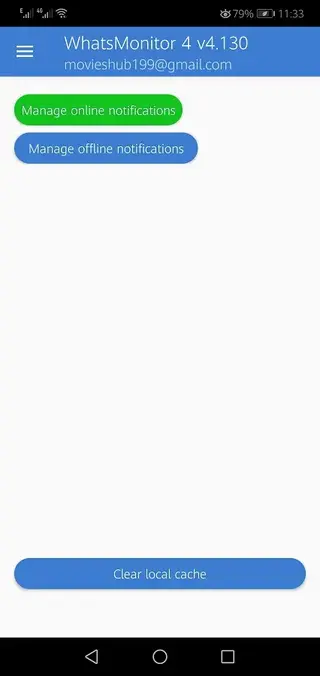
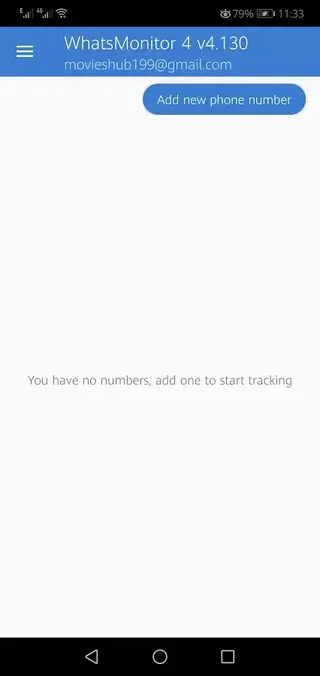
Add and monitor more than one WhatsApp number from the same dashboard to follow activity across several contacts.
Session history and statistics
View a timeline of previous online sessions and overall activity patterns such as frequent hours of usage.
Simple setup process
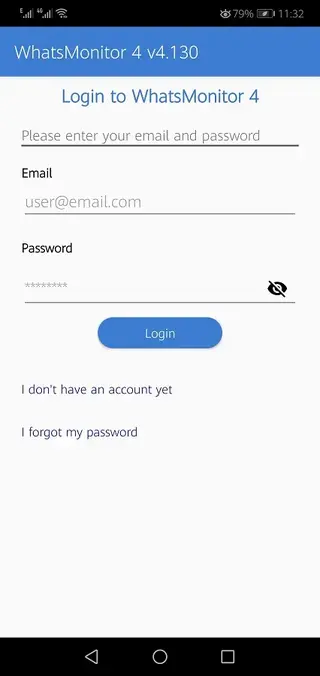
Install the APK, add a phone number, and start tracking without complicated configuration or technical skills.
User friendly interface
Use a clean and straightforward layout that makes it easy to add numbers, enable alerts, and read status logs.
Free basic access
Use the core tracking functions for free and then decide if any extra paid features are necessary for your case.
No built in ads claimed
The original description states that the app does not display ads, focusing on the tracking interface instead.
Screenshots


Safety, privacy, and legal considerations
Before you use WhatsApp Monitor 4, it is important to understand the privacy and legal issues that come with any tracking tool. The app is not affiliated with WhatsApp or Meta and is not available on the Google Play Store. Using it may conflict with WhatsApp’s terms of service.
In many regions, tracking someone’s online activity without their clear and informed consent can be considered a privacy violation. Always check local laws and only use this type of app in ways that respect other people’s rights.
If you decide to install WhatsApp Monitor 4, consider the risks and responsibilities first. Use it in a transparent and ethical way, and avoid monitoring people who have not agreed to it.
Tips for using WhatsApp Monitor 4 effectively
If you decide to try WhatsApp Monitor 4, a few simple habits can make your experience smoother:
Monitor a limited number of contacts at first to see how reliably the app records status changes.
Check notification settings so you are not overwhelmed by constant alerts when multiple contacts go online.
Review daily or weekly logs instead of watching the app continuously to understand long term usage patterns.
Update the APK from our website when a newer version is released to keep compatibility improvements and bug fixes.
These practices can help you determine if the tool’s tracking capabilities match what you actually need from a WhatsApp status monitor.
FAQs
Pros
- Tracks WhatsApp online and offline status with simple logs
- Offers real time notifications when a number goes online or offline
- Supports monitoring of multiple numbers from one interface
- Provides a straightforward and easy to use design
- Includes free features so you can test the tool before paying
- APK is available directly from our website for quick access
Cons
- Not an official WhatsApp or Google Play Store app
- Legal and privacy risks if used without clear consent
- Some advanced features appear locked behind payments
- Requires constant internet connection for live tracking
- May stop working if WhatsApp changes its internal systems
Conclusion
WhatsApp Monitor 4 focuses on WhatsApp online status tracking, combining simple monitoring, logs, and notifications in one Android app. If you decide its feature set matches your needs and you are comfortable with the legal and privacy implications, you can download the current APK directly from our website and test it on your device.




Comments
No approved comments yet.