

Canara Diya
Canara Diya is a digital savings account app from Canara Bank that helps new users open and manage a basic bank account from their Android phones. It focuses on quick onboarding with minimal paperwork.
With this app you can start a savings account using Aadhaar-based details, complete KYC in simple steps, and then use mobile and internet banking for everyday transactions. The official installation file is available to download directly from our website.
If you want a simple way to get a Canara Bank account, receive DBT benefits, and track your balance without visiting a branch, this lightweight finance app offers a focused account opening and banking experience.
Rate this app
App details
- App name
- Canara Diya
- Category
- Finance
- Version
- v2.0.0.21
- Size
- 13.98 MB
- Requirements
- 4.4 and Up
- Package name
- com.iexceed.canaraaosss
- Publisher
- CANARA-Bank
- Price
- Free
- Mod
- No
- Downloads
- 120,005
- Rating
- 4.6 / 5
- Rating count
- 32,000
- Play Store
- No
- Requires root
- No
- Offline support
- No
- Contains ads
- No
- In-app purchases
- No
- Updated
- Jun 1, 2026
- Age rating
- Rated for 3+
Table of contents
What is Canara Diya App
Canara Diya App is a finance application by Canara Bank that enables users to open and operate a savings bank account digitally on Android devices. It is designed mainly for customers in India who want to start banking without visiting a physical branch.
Canara Diya App is an Android Finance application like and Sakpole that is designed specifically for Indian citizens. It is provided by an Indian bank and allows clients to create an account very easily and have access to a wide range of features and services that are made available to them.
The app guides you through a fully online onboarding flow where you can use your Aadhaar details, mobile number and basic personal information to create a new Canara Bank savings account. After successful verification, the account can be linked to mobile and internet banking for day-to-day use.
Canara Diya focuses on a paperless process. Instead of filling forms at the branch, you complete KYC and account creation on your phone, get alerts for transactions, and receive monthly statements on your registered email address.
Why download Canara Diya APK from our website
Downloading the Canara Diya APK from our website lets you install the official Android package even though the app is no longer listed on Google Play. You can keep a copy of the installer, reinstall it when needed, and set it up on compatible devices at your own pace.
Our download page provides the current available version details, including version name, package name and Android requirement, so you know exactly what you are installing. Once installed, you can start the digital account opening journey and then use the account with other Canara Bank channels such as mobile and internet banking.
If you want quick digital onboarding, paperless documentation and easy access to your Canara savings account from your phone, having the APK directly from our site is a convenient option.
How Canara Diya App is useful
Canara Diya App is useful for people who want to start banking with Canara Bank but find branch visits and paperwork difficult. The app streamlines account opening into a guided digital flow where you submit essential details, verify using OTP, and complete KYC from home.
For users who rely on government schemes and DBT benefits, opening a savings account quickly is important. Canara Diya helps create a suitable savings account so you can receive subsidies, transfers and other credits directly into your bank account.
The app also improves everyday banking convenience. Once your account is active, you can enable mobile and internet banking, receive instant SMS alerts for withdrawals and deposits, get email statements, and manage key details without waiting in branch queues.
How to download and install Canara Diya APK
You can download the official Canara Diya APK file directly from our website and then install it manually on your Android device. Follow these steps to get started:
Scroll to the download section on this page and tap the APK download button.
Wait for the APK file to finish downloading to your device.
Open your phone settings and enable app installs from unknown or external sources for your browser or file manager.
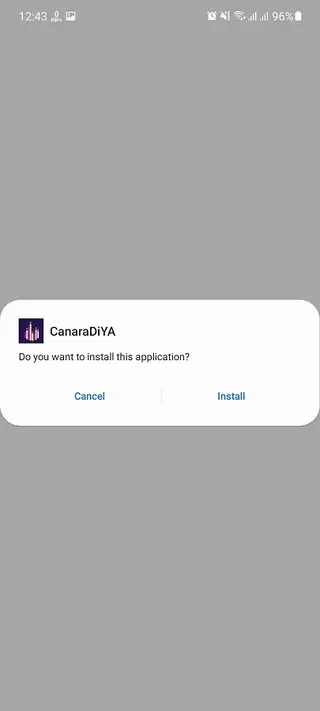
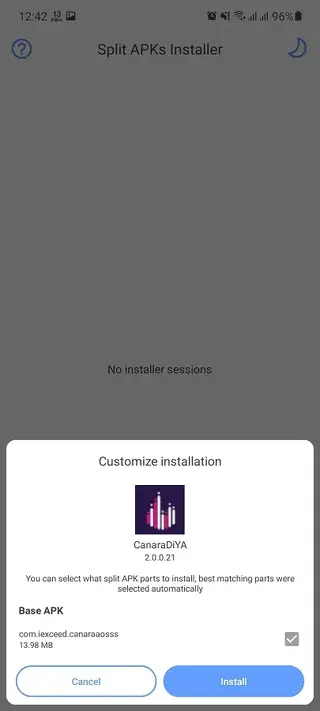
Locate the downloaded APK in your Downloads folder and tap it.
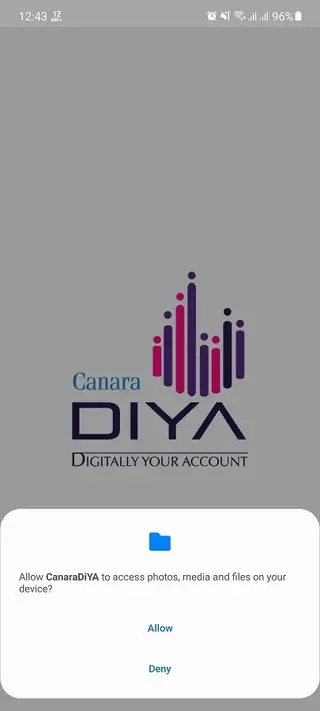
Review the on-screen permissions, then tap Install.
After installation completes, open Canara Diya and start the registration or login process.
Once installed, keep the APK file as a backup if you want to reinstall the app later on the same or another compatible Android device.
Features
Digital savings account opening
Open a Canara Bank savings account directly from your Android phone using a guided digital process.
Paperless onboarding
Complete account creation without physical forms or lengthy paperwork at the branch.
Aadhaar based registration
Use Aadhaar details and the linked mobile number for OTP verification and identity validation.
PAN optional at initial stage
Start the account opening process even if you do not have a PAN, subject to applicable bank and regulatory rules.
KYC verification workflow
Follow a clear KYC verification process within the app to activate your savings account.
Instant account details
Get access to your new account number and basic details soon after successful registration and verification.
Mobile and internet banking enablement
Use the created account with Canara Bank mobile and internet banking services for transactions.
Debit card request support
Apply for a debit card for your new account and receive it at your registered address as per bank processing.
Screenshots

Account opening and KYC process
After installing Canara Diya, you start by entering your mobile number and personal details. The app sends an OTP to your Aadhaar linked number or the registered mobile to verify identity. Once verified, you provide basic profile information and consent for KYC checks.
The app then guides you through KYC steps as per Canara Bank policies and regulations. Depending on your profile, you may need to provide additional information or complete further verification. When KYC is accepted, your savings account becomes fully operational and can be used for deposits, transfers and DBT credits.
Managing your new savings account
After the account is created with Canara Diya, you can enable SMS alerts on your registered number to track withdrawals, deposits and other transactions in real time. Monthly statement emails help you review your balance and spending history without visiting a branch.
You can then register for Canara Bank mobile and internet banking to access a wider range of services, such as fund transfers, bill payments and balance enquiries. The debit card requested during onboarding is delivered to your address as per bank timelines, letting you withdraw cash and pay at merchant outlets.
FAQs
Pros
- Lets users open a Canara Bank savings account digitally from an Android phone
- Reduces paperwork and branch visits with a simple online workflow
- Supports Aadhaar based onboarding and OTP verification
- Helps users receive DBT and other credits directly into a bank account
- Provides alerts and email statements for better account tracking
Cons
- App is no longer available on Google Play and must be installed via APK
- Requires stable internet connectivity for registration and usage
- Features and eligibility may be limited by bank and regulatory rules
- Some users may still need to visit a branch for full KYC or additional services
Conclusion
Canara Diya App offers a straightforward way to open and manage a Canara Bank savings account through your Android device. By downloading the APK from our website, you can complete most steps digitally, receive account alerts and statements, and then use the account with other Canara banking channels for regular transactions.




Comments
No approved comments yet.