

LADB
LADB is a local ADB shell client that lets you run powerful Android Debug Bridge commands directly on your phone without using a computer. It opens up advanced controls normally reserved for developers.
With this tool you can manage apps, adjust hidden developer options, and automate tasks through shell commands on any compatible Android device. Our website provides the official APK so you can install it quickly on supported phones and tablets.
LADB targets users who already understand ADB or want to learn command line management for Android. Used carefully, it can help you declutter preinstalled apps, fine tune system behavior, and experiment with new workflows.
Rate this app
App details
- App name
- LADB
- Category
- Tools
- Version
- v2.5.6
- Size
- 11.3 MB
- Requirements
- 8.0 and Above
- Package name
- com.draco.ladb
- Publisher
- Tytydraco
- Price
- Free
- Mod
- No
- Downloads
- 57,420
- Rating
- 4.5 / 5
- Rating count
- 18,069
- Play Store
- Yes
- Requires root
- No
- Offline support
- Yes
- Contains ads
- No
- In-app purchases
- No
- Updated
- May 19, 2026
- Age rating
- Rated for 3+
Table of contents
What is LADB APK
LADB is an Android utility created by Tytydraco that embeds a local ADB shell directly inside your device. Instead of connecting your phone to a PC with USB debugging, you can open LADB and send ADB shell commands from the app itself.
The app uses Android's wireless debugging and local communication features to connect to the system shell. Once connected, you can execute many of the same commands you would normally run from a desktop terminal, such as managing packages, changing secure settings, and inspecting system information.
LADB does not require root on supported Android versions. However, it is an advanced tool aimed at users who are comfortable with ADB syntax and understand the risks of modifying system settings. Used responsibly, it offers a convenient way to access developer-level controls on your own device.
If you want to get more similar applications, then we have some of the best collections of apps available here. You guys can try Remove China Apps and Technocare, both of these are quite popular available tools, which you can also get and have fun with.
Why download LADB for Android
Many Android customizations depend on ADB access, which usually means installing platform tools on a computer and connecting your phone over USB. LADB removes that dependency by bringing the ADB shell directly onto your device.
By downloading the LADB APK from our website, you can:
Run ADB shell commands anywhere without a laptop.
Uninstall or disable unwanted preinstalled apps from your user profile.
Toggle or tune developer options and hidden system flags.
Test automation scripts and command snippets on the go.
Experiment with split screen, UI tweaks, and other power-user changes.
This makes the app especially useful for developers, power users, and anyone who frequently works with ADB and wants a more portable workflow.
How LADB is useful in everyday Android tweaking
LADB turns your phone into its own ADB client, which saves time whenever you want to adjust system behavior. Instead of finding a cable and opening a terminal on your computer, you can run a few commands directly from the app.
For example, you can use standard ADB shell commands to hide bloatware packages for your user, fine tune animation scales, change default apps, or trigger split screen behavior. You can also query logs and system info when debugging issues on test devices.
Because LADB works over local wireless debugging, it is handy for quickly applying tweaks after a fresh reset or on devices where desktop access is not convenient. As long as you understand what each command does, LADB can be a compact toolkit for maintaining a cleaner and more responsive Android setup.
How to download and install LADB APK
You can download the LADB APK file directly from our website and install it on any compatible Android device. Follow these steps to get started:
Scroll to the download area on this page and tap the LADB APK download button.
Wait for the APK file to finish downloading to your device.
Open your phone settings and enable installation from unknown sources for your browser or file manager if needed.
Locate the downloaded LADB APK in your downloads folder and tap it.
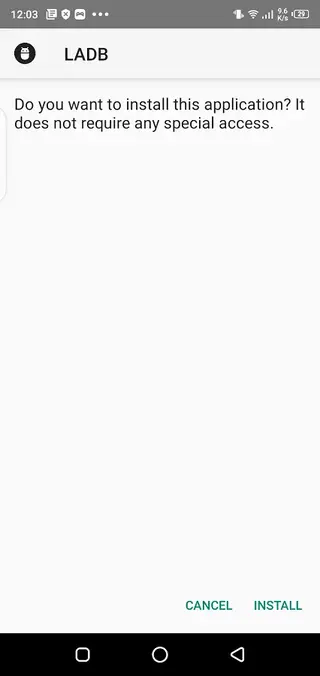
Review the requested permissions, then tap Install.
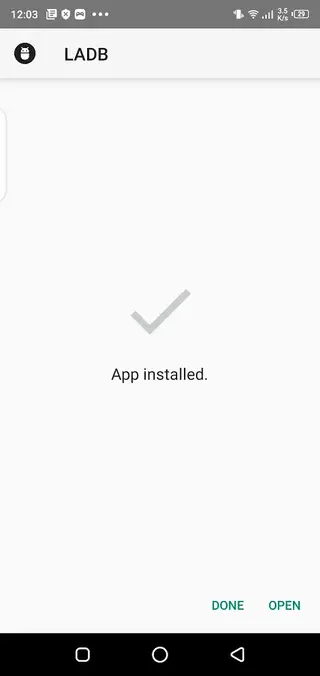
Once installation is complete, open LADB and follow the on screen instructions to enable wireless debugging and link the local shell.
After initial setup, you can start entering ADB shell commands directly in the app console.
Features
Local ADB shell on device
Run ADB shell directly on your Android phone or tablet without needing a computer connection.
Wireless debugging support
Uses Android wireless ADB and local communication so you can connect to the shell from within the app.
No root required on supported devices
Works on many non rooted phones as long as wireless debugging and required permissions are enabled.
Manage installed applications
Use package manager commands to uninstall, disable, or clear data for selected apps from your user profile.
Modify secure and global settings
Run shell commands to adjust developer options and other advanced configuration flags where permissions allow.
Simple command interface
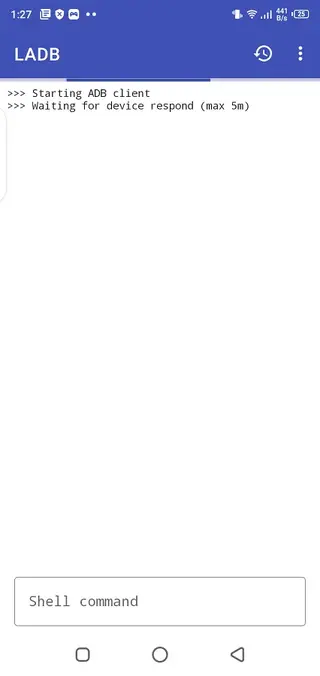
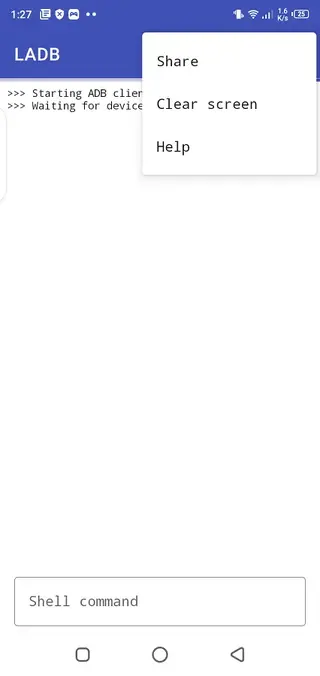
Clean interface with a text console so you can enter commands and view output in one place.
Clipboard and history convenience
Easily paste complex commands and reuse frequently typed lines through command history features.
Works offline after setup
Once configured, you can use the local ADB shell without an active internet connection.
Screenshots
Safety and best practices for using LADB
Because LADB exposes powerful ADB shell commands, it is important to use it carefully. Many commands can change secure settings, hide system components, or affect how apps behave. Before you paste or run any command, make sure you understand its purpose and impact.
A few simple guidelines help keep your device stable:
Create a backup of important data before heavy experimentation.
Test commands one by one instead of running long, unverified scripts.
Avoid modifying packages or settings you do not recognize by name.
If something goes wrong, try reversing the last command or resetting the modified setting.
Following these practices allows you to benefit from LADB's flexibility while reducing the chance of unwanted side effects.
Who should use LADB
LADB is best suited to users who already have some experience with Android development, custom ROMs, or command line tools. Developers can use it to test app behavior under different system configurations. Power users can rely on it to clean up bloatware and fine tune device performance.
If you are new to ADB, you can still learn with LADB by starting from trusted documentation and simple read only commands, such as listing packages or checking system properties. Over time, you can gradually explore more advanced operations as your understanding grows.
FAQs
Pros
- Provides local ADB shell access without a computer
- Does not require root on many supported Android versions
- Useful for developers and power users who know ADB commands
- Helps disable or remove unwanted preinstalled apps from the user profile
- Clean, minimal interface focused on the command line
- Works offline after initial configuration
Cons
- Commands can be risky for beginners who do not understand ADB
- Requires recent Android version with wireless debugging support
- Some system level changes are still restricted without root
- Incorrect use may cause app crashes or configuration issues
- Interface is text based and not friendly for casual users
Conclusion
LADB is a focused tool for users who want desktop style ADB shell access directly on their Android device. If you already work with ADB and understand command line operations, downloading the official APK from our website gives you a compact way to manage apps, tweak settings, and experiment with advanced options without relying on a PC.




Comments
No approved comments yet.