

Pinch
Pinch is a gaming-focused voice chat app that lets you talk with friends and teammates while you play on mobile. It adds party voice, lobby chat and social tools around your favorite titles.
With this APK, you can join or create voice channels, add gamer friends and coordinate strategies during matches. It also includes light voice effects that help you prank friends and make your sessions more entertaining.
You can download the official Pinch APK directly from our website and install it on compatible Android phones and tablets without using the Play Store.
Rate this app
App details
- App name
- Pinch
- Category
- Communication
- Version
- v1.21.0
- Size
- 77.16 MB
- Requirements
- 5.0 and Above
- Package name
- gg.rallychat.rally.gamer.voice.chat
- Publisher
- GamerLink Inc.
- Price
- Free
- Mod
- No
- Downloads
- 696,551
- Rating
- 4.4 / 5
- Rating count
- 6,695
- Play Store
- No
- Requires root
- No
- Offline support
- No
- Contains ads
- No
- In-app purchases
- Yes
- Updated
- May 18, 2026
- Age rating
- Rated for 3+
Table of contents
What is Pinch APK?
Pinch is an Android communication app designed for mobile gamers who want reliable, real-time voice chat while playing. Instead of relying only on in-game voice systems, it creates a separate voice layer that runs in the background, so you can keep talking even when a game does not include built-in voice.
The app focuses on social gaming. You can create a profile, add friends, form squads and jump into voice channels together. Once everyone joins the same lobby in Pinch, the app keeps the call active while you launch and play titles like PUBG Mobile, Garena Free Fire, Call of Duty Mobile, Mobile Legends and many other multiplayer games.
If you want to explore more amazing features, then here you can find more similar apps. Try Xiaomi Game Turbo 5.0 and Game Space Voice Changer, these are quite popular available apps. You can also get quite similar services, which you can access and enjoy.
Pinch also offers playful voice effects and sound variations. These let you change how you sound during live conversations, which is useful if you want to prank teammates, stream with a different persona or simply make your sessions more fun.
The APK on this page is the official release, not a modified build, and is suitable for users who want to sideload the app on Android 5.0 and above.
Why download Pinch APK from our website
Downloading the Pinch APK from our website gives you quick access to the official installer even though the app is not currently listed on Google Play in many regions. You can keep using Pinch for team communication and voice effects without depending on store availability.
With this APK you can:
Install Pinch on any compatible Android device that allows unknown sources.
Use group voice chat across different games, not just one title.
Experiment with voice effects to surprise or entertain your squad.
Stay connected with your gaming friends through persistent channels.
The download link on our site points directly to the app file, so you can save it once and reinstall it whenever needed.
How Pinch is useful for mobile gamers
Pinch solves a common problem for mobile gamers: many titles either lack voice chat or offer unstable in-game audio. By moving conversation into a separate app, you keep communication consistent across games and sessions.
For competitive players, clear voice chat improves coordination, callouts and reaction time. You can plan strategies before a match, stay in contact during loading screens and continue talking when switching between games.
For casual gamers and creators, Pinch makes it easier to build a small community. You can gather regular teammates in the same channel, run private lobbies and use voice effects for jokes or content creation. Because everything runs on top of your games, you do not need to reconfigure a new chat solution for every title you play.
How to download and install Pinch APK
You can download the official Pinch APK file directly from our website and install it manually on your Android device. Follow these steps to get started:
Scroll to the download section on this page.
Tap the APK download button to save the Pinch installation file to your device.
When the download finishes, open your phone’s file manager and locate the APK, usually in the Downloads folder.
If prompted, enable installation from unknown sources for your browser or file manager in Android settings.
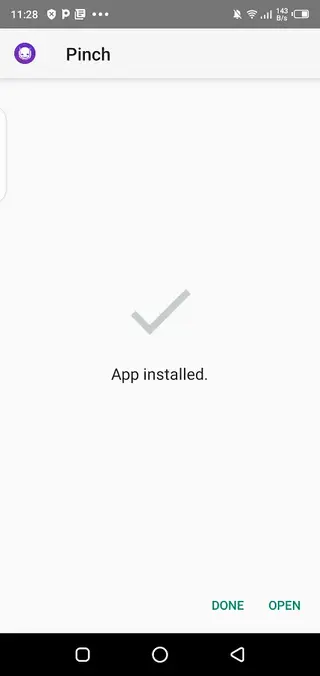
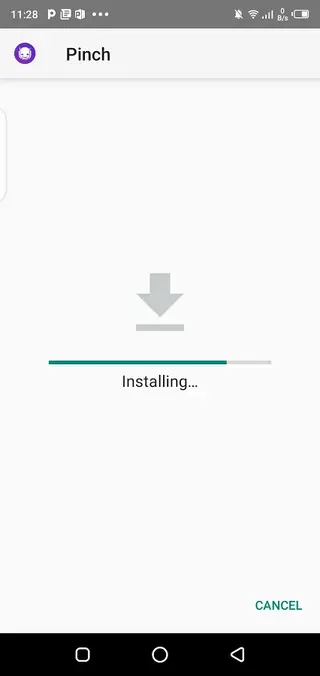
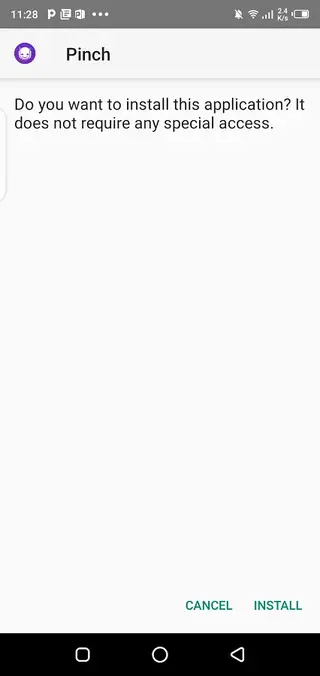
Tap the APK file, confirm the installation request and wait for the process to complete.
Once installed, open Pinch from your app drawer, create or sign in to your account and start setting up your voice channels.
After the first installation, you can keep the APK as a backup or return to our website whenever you need to download the file again.
Features
Gaming-focused voice chat
Join real-time voice channels built specifically for mobile gamers, with low-latency audio while you play.
Background voice in any game
Keep voice chat active in the background so you can talk with teammates even in games without built-in voice support.
Friend and squad system
Add friends, create groups and form squads so you can quickly invite the same people to new sessions.
Voice changer effects
Apply different voice styles and sounds during live conversations to prank or entertain teammates.
Cross-game communication
Stay in the same voice channel while switching between different games, without dropping the call.
Simple, clean interface
Use an interface designed for quick navigation so you can jump into a voice lobby in a few taps.
Free to download and use
Install and start using the core communication features without paying an upfront fee.
Low resource usage
Run the app alongside demanding games with an emphasis on efficient performance on typical Android devices.
Screenshots


Using Pinch with unsupported voice games
Many popular mobile games still do not include built-in voice chat, or their in-game audio may feel unreliable. Pinch helps by running as a separate overlay-style voice solution. You and your friends first join the same voice channel in Pinch, then minimize the app and launch your game.
The call continues in the background while you play. You can coordinate movements, warn teammates about enemy positions and react together in real time, even if the game itself only offers text chat or no communication at all.
Tips for better in-game voice quality
To get the best experience with Pinch while gaming, keep a few simple tips in mind:
Use a stable Wi-Fi or strong mobile data connection to reduce lag and dropouts.
Wear a headset or earphones with a microphone to cut down background noise.
Adjust input sensitivity inside the app so your mic only activates when you speak.
Close unnecessary background apps to free system resources for your game and voice chat.
Following these steps helps maintain clear communication and smoother matches for you and your squad.
FAQs
Pros
- Designed specifically for mobile gaming voice chat
- Works across multiple games, including those without built-in voice
- Includes fun voice effects for pranks and entertainment
- Free to download and use basic features
- Simple interface that is easy to set up for new users
Cons
- Requires an internet connection for all communication features
- Not currently available through Google Play in many regions
- Friends must also install the app to join your voice channels
- Background voice chat may use additional battery during long sessions
Conclusion
Pinch is a practical choice if you want stable team voice chat and playful voice effects while gaming on Android. Download the official APK from our website, install it on a compatible device and use it to stay connected with your squad across different multiplayer titles.




Comments
No approved comments yet.