

Verified Calls
Verified Calls is a caller ID and call management app that helps you see more information about who is calling before you pick up. It focuses on filtering spam, fraud, and unwanted calls so you can answer only the calls that matter.
The app adds an extra verification layer to incoming calls, gives clearer caller details, and lets you customize filters for unknown or suspicious numbers. You can download the Verified Calls APK directly from our website and start managing your call experience more confidently.
But there are always side effects, the problem of these devices is a disturbance. People from anywhere can contact you and waste your time without providing any good information. Therefore different applications were developed such as Call Log Monitor Pro, to track and monitor calls from unknown.
Designed for Android phones and tablets running Android 7.0 and above, Verified Calls keeps the interface clean and simple, making advanced call control easy for everyday users.
Rate this app
App details
- App name
- Verified Calls
- Category
- Communication
- Version
- v2.1.2
- Size
- 3.35 MB
- Requirements
- 7.0 and Up
- Package name
- com.callverify
- Publisher
- Caller Verification Systems
- Price
- Free
- Mod
- No
- Downloads
- 57,000
- Rating
- 4.8 / 5
- Rating count
- 23,000
- Play Store
- No
- Requires root
- No
- Offline support
- No
- Contains ads
- No
- In-app purchases
- No
- Updated
- May 9, 2026
- Age rating
- Rated for 16+
Table of contents
What is Verified Calls?
Verified Calls is an Android application designed to improve how you handle incoming calls. It focuses on identifying unknown callers, blocking spam, and giving you clearer information before you decide to answer. Instead of letting any number disturb you, the app helps you screen calls and stay in control.
The app works as a call manager and caller identification tool. When a call comes in, it tries to fetch available details about the number, such as the caller name or type of call, and then displays it on your screen. This can slightly delay the ringtone, but in return you see more context about who is trying to reach you.
Verified Calls also includes options for voicemail access, call history, and customizable filters. You can adjust how strict the screening should be, decide which calls to allow, and which ones should be silently blocked. All of this is packed into a simple, user-friendly interface with multiple themes so you can personalize the look.
Why download Verified Calls APK?
Installing the Verified Calls APK on your Android device gives you more control over who can reach you. Instead of constantly receiving unknown calls, telemarketing attempts, or potential scam calls, you can rely on filtering rules and caller information to decide what to do.
The app is especially useful if you receive many calls from unfamiliar numbers, run a business line on your personal phone, or simply want a quieter, more focused mobile experience. You no longer need to answer every ring just to find out it was a spam call.
By downloading the APK directly from our website, you can access the latest available version, benefit from caller details, and configure call filters without paying any subscription fee. Everything is designed to be straightforward, so you can set it up once and let it handle the noise in the background.
How is Verified Calls useful?
Verified Calls is useful because it reduces interruptions and helps you avoid risky or irrelevant calls. With its filtering system, you can define how unknown numbers are treated, from allowing them with alerts to blocking them completely. This can significantly cut down on spam and robocalls.
The app also offers more transparency around incoming calls by trying to show caller details whenever possible. That extra information can help you spot important calls from businesses, deliveries, or services you actually use, while ignoring suspicious or unnecessary calls.
On top of that, Verified Calls keeps everything simple. The interface is clean, navigation is intuitive, and you can change themes and settings without any technical knowledge. It is a practical tool if you want a calmer phone experience without sacrificing important communication.
How to download and install Verified Calls APK
You can download the latest Verified Calls APK directly from our website and install it on your Android phone or tablet. Follow these simple steps to get started.
Scroll to the download section on this page and choose the Verified Calls APK version you want.
Tap the download button and wait for the APK file to finish downloading to your device.
On your Android device, open Settings and enable installation from unknown sources or allow your browser/file manager to install APKs.
Open your file manager, navigate to the Downloads folder, and tap the Verified Calls APK file.
Confirm the installation prompt and wait until the app is installed successfully.
Open Verified Calls, grant the required call and contact permissions, and configure your call filters and preferences.
After setup, the app will start managing and screening your incoming calls according to the rules you define.
Features
Advanced call filtering
Create filters for unknown and unwanted numbers so only calls that meet your rules can ring your phone.
Spam and disturbance reduction
Block or silence suspicious, spammy, or repeated disturbance calls to keep your focus on important conversations.
Caller information display
Fetch and display available details about the caller so you can decide whether to answer or ignore the call.
Voicemail support
Access voicemail from within the app so you can review missed calls and messages more easily.
User friendly interface
Navigate a clean, simple layout that makes managing calls and filters easy for all types of users.
Multiple visual themes
Choose between different themes to customize the look of the call screen and app interface to your preference.
Free to download and use
Use the core call management and filtering features without paying subscription fees or extra charges.
No in app advertisements
Enjoy the calling and filtering experience without intrusive ads appearing inside the app.
Screenshots
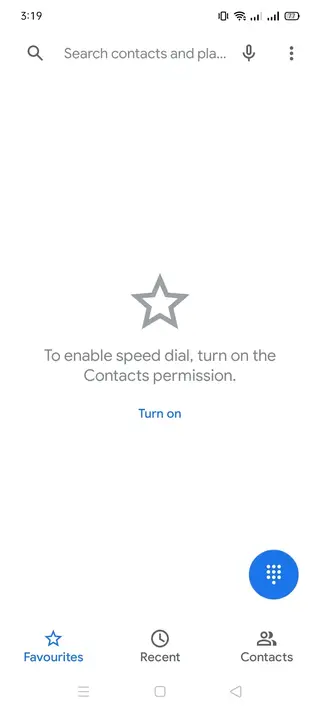
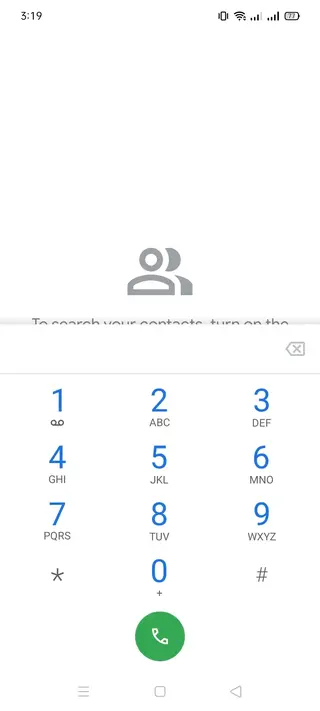
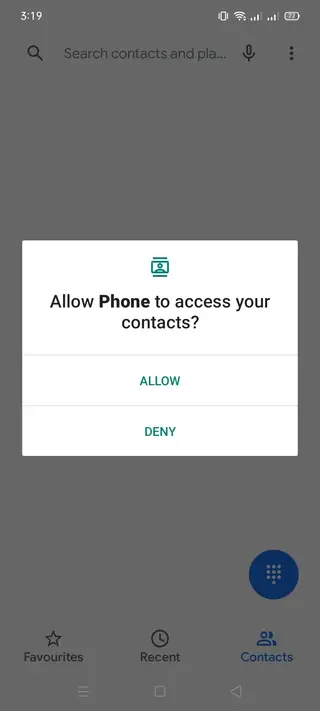
Compatibility and performance
Verified Calls targets Android devices running version 7.0 and above, which covers a large portion of active smartphones and tablets. On supported devices, it works alongside your system dialer and call settings to provide additional screening and caller information features.
Because it processes incoming calls and may query data to identify numbers, performance can vary slightly depending on your device and network connection. However, the design focuses on keeping the experience smooth and lightweight enough for everyday use.
Privacy and permissions overview
Like any call management app, Verified Calls requires permissions such as access to phone, contacts, and possibly call logs to function correctly. These permissions allow it to detect incoming calls, show caller information, and apply your filters.
You should review the requested permissions during installation and only grant what is necessary for the features you want to use. You can usually adjust these permissions later in your Android system settings if needed.
Tips to get the best results
To make Verified Calls more effective, it helps to spend a few minutes configuring your filters and preferences. Decide how strictly you want to treat unknown numbers, how you want to handle repeated spam callers, and whether you prefer silent blocking or visible alerts.
You can also periodically review blocked and recent calls to fine-tune your rules. Over time, the app will better match your expectations, reducing interruptions while still allowing important calls from new numbers to reach you.
FAQs
Pros
- Helps reduce spam and unwanted calls with customizable filters
- Displays caller information so you can decide whether to answer
- Simple, clean interface that is easy for most users to understand
- Multiple themes for a more personalized call screen
- Free to download and use without subscription fees
- No in app advertisements to interrupt the experience
Cons
- Requires network connectivity for some caller information features
- May introduce a slight delay before the ringtone while fetching data
- Not all unknown numbers can be identified accurately
- Call filtering needs some initial configuration for best results
Conclusion
Verified Calls is a practical Android call manager for users who want fewer interruptions and clearer caller information. With customizable filters, caller details, and a clean interface, it offers a straightforward way to control who reaches you. You can download the Verified Calls APK directly from our website, install it on Android 7.0 and above, and start shaping a calmer calling experience in a few minutes.




Comments
No approved comments yet.