

Cartogram
Cartogram (also known as Catogram) is a modified Telegram client for Android that adds extra customization, privacy tools, and interface tweaks on top of the official Telegram experience.
With this client you still sign in with your Telegram account, but you gain more control over themes, menus, translations, and security options. It is designed for users who chat a lot and want more flexibility than the standard app provides.
You can download the Cartogram APK directly from our website and install it on compatible Android phones and tablets without needing root access.
As you know, multiple communication applications are available in the market, which provide simple communication services. But we are especially here for the Telegram users, which is a quite popular communication platform. That is why we have already shared with you an option like Nicegram.
Rate this app
App details
- App name
- Cartogram
- Category
- Communication
- Version
- v9.1.0
- Size
- 14 MB
- Requirements
- 5.0 and Above
- Package name
- ua.itaysonlab.messenger
- Publisher
- ITaysonLab
- Price
- Free
- Mod
- No
- Downloads
- 23,764
- Rating
- 4.1 / 5
- Rating count
- 1,872
- Play Store
- No
- Requires root
- No
- Offline support
- No
- Contains ads
- No
- In-app purchases
- No
- Updated
- Jun 8, 2026
- Age rating
- Rated for 3+
Table of contents
What is Cartogram APK?
Cartogram APK is a third-party Telegram client for Android based on the official open-source Telegram code. It connects to the same Telegram network that you already use, but offers extra controls for interface customization, security, and daily messaging convenience.
After installing the app, you log in with your phone number and confirm it with a one-time password (OTP), just like the official Telegram app. Once your account is verified, you can access your existing chats, groups, channels, and media while using the enhanced features that Cartogram adds.
The client focuses on giving users more options for how the app looks and behaves. You can fine-tune menus, rearrange interface elements, adjust themes, and change how chats are displayed. At the same time, it introduces additional privacy and security options such as stronger app locking methods.
Because Cartogram is not the official Telegram application and is distributed as an APK outside Google Play, it should be treated as a third-party modification. Users should review the app carefully and decide for themselves whether they are comfortable using a modded Telegram client.
Why download Cartogram for Android?
People download Cartogram because they want more control over their Telegram experience than the stock client offers. Power users often join many groups and channels, use stickers heavily, or chat in multiple languages, and they look for tools that simplify daily use.
Cartogram aims to answer that need with things like built-in message translation, a more flexible menu layout, and extra appearance settings. These changes can make it easier to navigate busy chats, quickly access common actions, and keep the interface aligned with your personal style.
Another reason to try this client is the focus on convenience. Features such as quick updates to stay compatible with Telegram, smooth transitions between chats, and shortcuts to important functions are designed to save time for frequent messengers.
However, because Cartogram is a modified client, it may carry additional privacy or security risks compared with the official Telegram app. It is important to understand this trade-off before you decide to use it as your daily messenger.
How Cartogram can be useful?
Cartogram can be useful for users who rely on Telegram every day and feel limited by the standard app layout. The ability to customize drawers, menus, and overall appearance helps you keep important chats and tools within easy reach. This can be especially valuable if you manage large groups or follow many channels.
The integrated translator can make cross-language conversations smoother. Instead of copying and pasting text into a separate translation app, you can translate messages while staying inside the chat, which speeds up communication with international contacts.
Additional lock options such as fingerprint or face-based app protection can add another layer of security on top of your device lock. This can help keep your private conversations out of sight when you share your phone with others or leave it unattended.
By combining these usability and security-oriented features, Cartogram turns the familiar Telegram environment into a more tailored communication workspace for users who are comfortable using a modded client.
How to download and install Cartogram APK?
You can get the Cartogram APK file directly from our website and install it manually on your Android device. Follow the steps below to complete the process safely and successfully.
Download the APK file from the download button provided on this page of our website.
On your Android device, open the Settings app and enable installation from unknown sources or allow your browser/file manager to install apps if prompted.
Locate the downloaded Cartogram APK in your Downloads folder using a file manager.
Tap the APK file and confirm the installation request when the installer window appears.
Wait for the installation to finish, then tap Open to launch Cartogram.
Sign in with your phone number, enter the OTP code sent to you, and start using your Telegram account with the Cartogram client.
If you install a new version later, you can usually place it over the existing one without removing your chats, as long as the package name stays the same.
Features
Modified Telegram client
Cartogram is built on the official Telegram codebase but adds extra options and interface tweaks while connecting to the same Telegram network.
Advanced interface customization
Rearrange drawers and menus, adjust layout, and personalize the overall look so the app fits your daily messaging habits.
Improved menu style
Access a refined menu system that surfaces frequently used tools and sections more quickly than the default Telegram interface.
More stickers support
Use a wide range of stickers and packs to make conversations more expressive and fun across your chats and groups.
Built in translator
Translate messages directly inside the app to chat more easily with people who speak different languages without switching apps.
Extra security options
Protect the app with additional security methods such as fingerprint or face-based locks where supported by your device.
Frequent compatibility updates
The client aims to track Telegram changes so you can continue using your account when the official protocol or features update.
Fully customizable experience
Tune colors, components, and behavior settings to create a messaging environment that feels tailored to you.
Screenshots
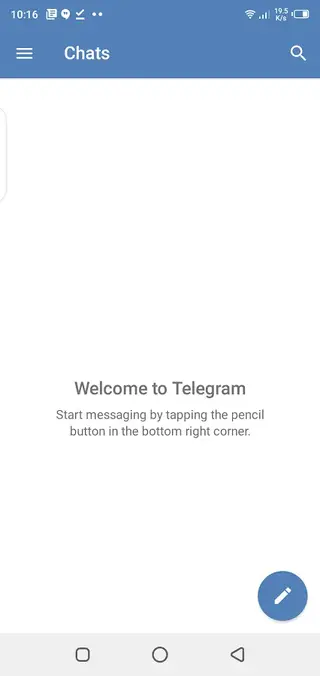
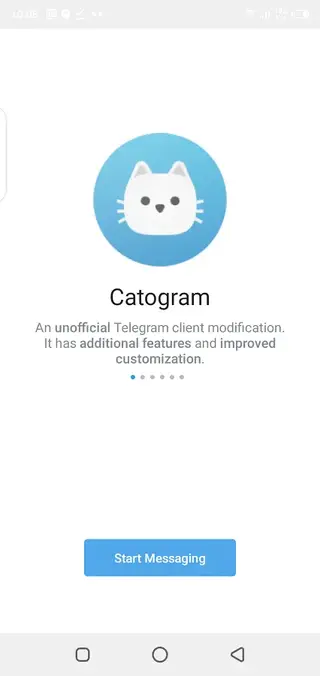
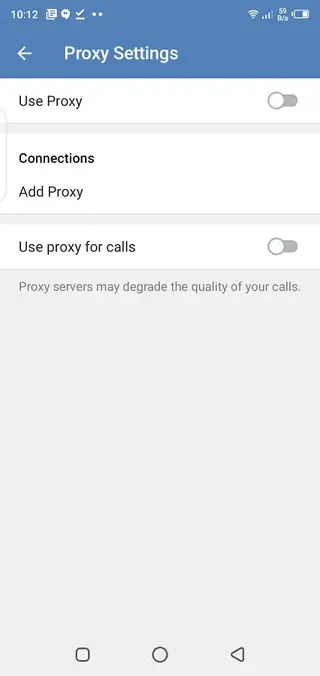
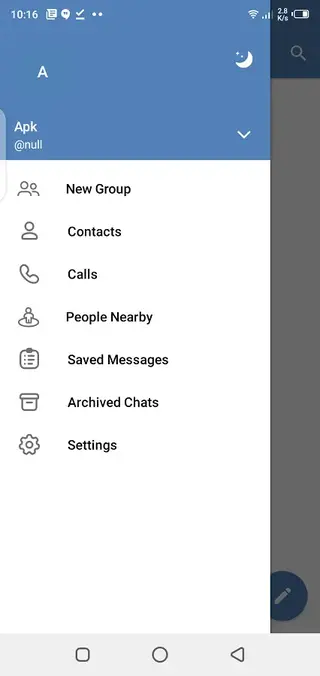
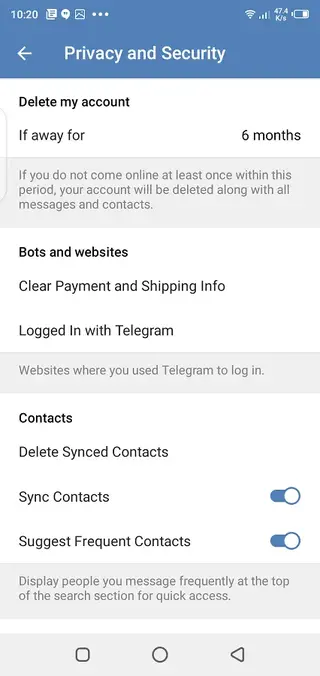
Security and privacy considerations
Because Cartogram is a third-party Telegram client, it is important to think carefully about privacy and security before adopting it as your main messenger. While it uses the same Telegram network, your interaction with the app itself depends on how the modified client is built and maintained.
Official Telegram apps are audited and distributed through well-known channels. A modded client, by contrast, is developed independently and can change more frequently. You should review permissions, keep the app updated with the latest version from our website, and decide whether you are comfortable using a non-official client for sensitive conversations.
If you handle highly confidential information, the safest option is usually to keep such chats inside the official Telegram application or another trusted secure messenger, and treat modded clients like Cartogram as convenience tools for less sensitive communication.
Compatibility and performance
Cartogram targets modern Android devices and, according to the provided package information, supports Android 5.0 and above. On compatible phones and tablets, performance should be similar to or close to the official Telegram client, as it relies on the same core technologies.
However, if you join many large groups, channels, or send heavy media files, performance can vary by device. Keeping your app updated and clearing unnecessary cached files inside Telegram settings can help maintain smoother operation over time.
FAQs
Pros
- Offers more customization options than the standard Telegram client
- Built in translation makes multilingual chats more convenient
- Additional lock methods can improve app level privacy
- Interface tweaks and menu changes can speed up daily messaging
- Uses your existing Telegram account and contacts
Cons
- Third party modded client that is not the official Telegram app
- Potential privacy and security risks compared with the stock client
- May stop working temporarily after major Telegram updates
- Not available through Google Play, so updates must be installed manually
Conclusion
Cartogram gives experienced Telegram users more control over how their messenger looks and behaves, with extra customization, translation, and security tools. Because it is a modified client, it is best suited to users who understand the risks of using third party Telegram apps and are comfortable managing manual APK updates from our website.




Comments
No approved comments yet.