

Fire Video
Fire Video is a short video sharing app for Android that focuses on quick clips, creative tools, and community interaction. Users can record from the built-in camera, edit with filters, and publish in seconds.
The platform targets creators who want to grow a following by posting bite-sized content, similar to popular short video networks. With easy publishing and social sharing, new users can start building visibility without a steep learning curve.
You can download the Fire Video APK directly from our website and install it on supported Android phones and tablets to start creating and watching short videos right away.
Rate this app
App details
- App name
- Fire Video
- Category
- Entertainment
- Version
- v1.1
- Size
- 25.17 MB
- Requirements
- 5.0 and Above
- Package name
- com.fire.lmt
- Publisher
- Lookmehost
- Price
- Free
- Mod
- No
- Downloads
- 58,152
- Rating
- 4.2 / 5
- Rating count
- 7,514
- Play Store
- No
- Requires root
- No
- Offline support
- No
- Contains ads
- Yes
- In-app purchases
- No
- Updated
- May 12, 2026
- Age rating
- Rated for 12+
Table of contents
What is Fire Video APK?
Fire Video is an Android entertainment app built around short-form video clips. It allows users to record, edit, and share vertical videos, then interact with others through likes, comments, and shares.
The app works as a social platform where every user can become a creator. You can shoot content with the built-in camera, apply filters and effects, and post it to your profile. Other users can discover your videos, follow you, and react in real time.
Fire Video became especially relevant for users looking for a TikTok-style experience where the original app is restricted or unavailable. It offers familiar core elements such as short clips, a scrolling feed, and quick engagement tools, while keeping the interface simple enough for beginners.
There are more similar apps available, which you can also try. So, get Zee5 Hipi App and Taaki Taaki, which offer similar services for the users. You can also explore more apps on the website, which you can use and get entertained.
Why download Fire Video for Android?
People download Fire Video because it offers an easy way to enter the short video space without complicated settings or professional equipment. You can start with your phone camera, basic lighting, and a few minutes of free time.
The app helps new creators find an audience more quickly than on crowded platforms. Since the community is still growing, it is easier to secure a good username and stand out with consistent posting.
Another reason to install Fire Video is its built-in social features. You can share your videos to other networks, respond to comments, and build ongoing conversations with followers. All of this happens inside a lightweight Android app that focuses on short-form entertainment.
How Fire Video is useful for creators and viewers?
Fire Video is useful for creators because it cuts down the time between idea and publication. The built-in camera, simple filters, and basic editing tools let you record, trim, and upload directly without leaving the app.
For viewers, the app provides a continuous stream of short clips across different topics. You can quickly scroll through videos, like what you enjoy, comment to interact with creators, and share clips with friends.
Users who want to experiment with content creation, test new formats, or build a small community around their interests can use Fire Video as a low-pressure starting point. It works well for comedy bits, lip-syncs, dance clips, tutorials, reaction videos, and everyday moments.
How to download and install Fire Video APK?
You can download the official Fire Video APK file directly from our website. Follow these steps to get it on your Android device:
Scroll to the download area on this page and tap the Fire Video APK download button.
Confirm the download in your browser and wait for the APK file to finish downloading.
Open your phone settings and enable app installation from unknown sources if it is not already allowed.
Locate the downloaded APK file in your Downloads folder and tap it to start installation.
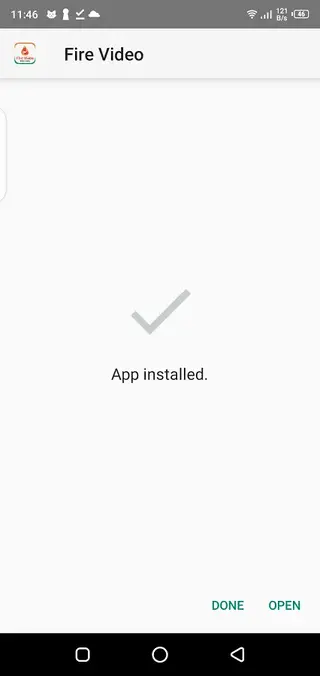
Follow the on screen prompts to complete the installation and then open Fire Video from your app drawer.
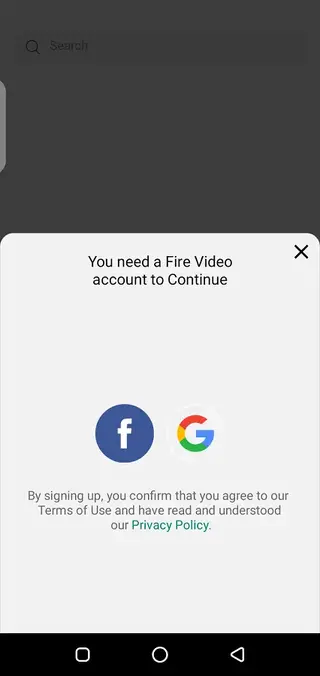
After installation, create an account or sign in with an available login option and start recording or watching short videos.
Features
Short video sharing platform
Create and share vertical short videos from your Android device with a focus on quick, engaging clips.
Built in camera
Record videos directly inside the app without using an external camera app, making the capture process faster.
Filters and visual effects
Apply basic filters and effects to enhance your clips and make them more visually appealing before posting.
Social engagement tools
Allow viewers to like, comment on, and share videos, helping creators build interactions around their content.
Content discovery feed
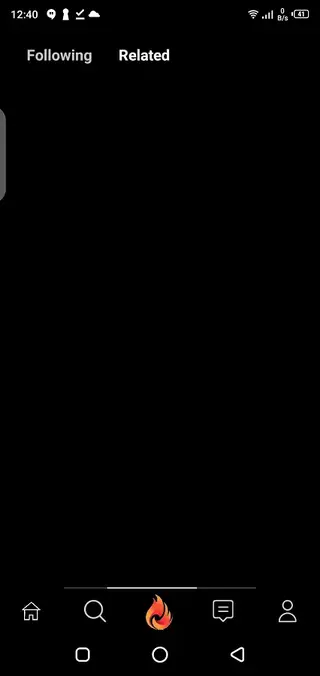
Browse videos from other users in a continuous feed and explore different creators and styles.
Advanced editing options
Use simple but advanced level editing tools like trimming and basic adjustments for more polished uploads.
Multiple login methods
Sign in using different login options so you can start quickly without a complex registration process.
User friendly interface
Navigate the app easily with a clean, beginner friendly layout focused on video creation and viewing.
Screenshots
Editing and creation workflow
Fire Video focuses on a fast creation workflow. You open the camera, record a short clip, add filters or effects, and publish within a few taps. This structure encourages spontaneous content and regular posting.
The editing tools are geared toward quick adjustments rather than complex production. This suits users who want to express ideas quickly, try new trends, or test different styles without spending a lot of time on each video.
Community and interaction
Like other short video platforms, Fire Video builds its experience around community interaction. Each video supports likes, comments, and sharing, so viewers can respond immediately to what they see.
Creators can use these engagement signals to understand what works, refine their content approach, and build a group of returning viewers. This makes the app suitable for anyone who wants to experiment with personal branding or niche communities.
Device compatibility and requirements
Fire Video is designed for Android phones and tablets running Android 5.0 or higher. For the best experience, users should keep enough storage space for recorded videos and maintain a reliable internet connection for uploading and streaming.
The app does not need root access, so it can be installed on standard consumer devices using the APK provided on our website.
FAQs
Pros
- Simple short video sharing platform for Android users
- Built in camera and editing tools reduce the need for extra apps
- Early stage community makes it easier to gain visibility
- User friendly interface that is quick to learn
- Supports likes, comments, and sharing for better engagement
Cons
- Not available on Google Play Store at the time of writing
- Requires a stable internet connection to browse and upload videos
- Feature set may feel basic compared with larger social platforms
- Likely displays ads to support free access
Conclusion
Fire Video offers a straightforward way to record, edit, and share short videos from your Android phone while connecting with a growing creator community. If you want a lightweight short video platform with simple tools and quick publishing, you can download the Fire Video APK from our website and start exploring its features.




Comments
No approved comments yet.